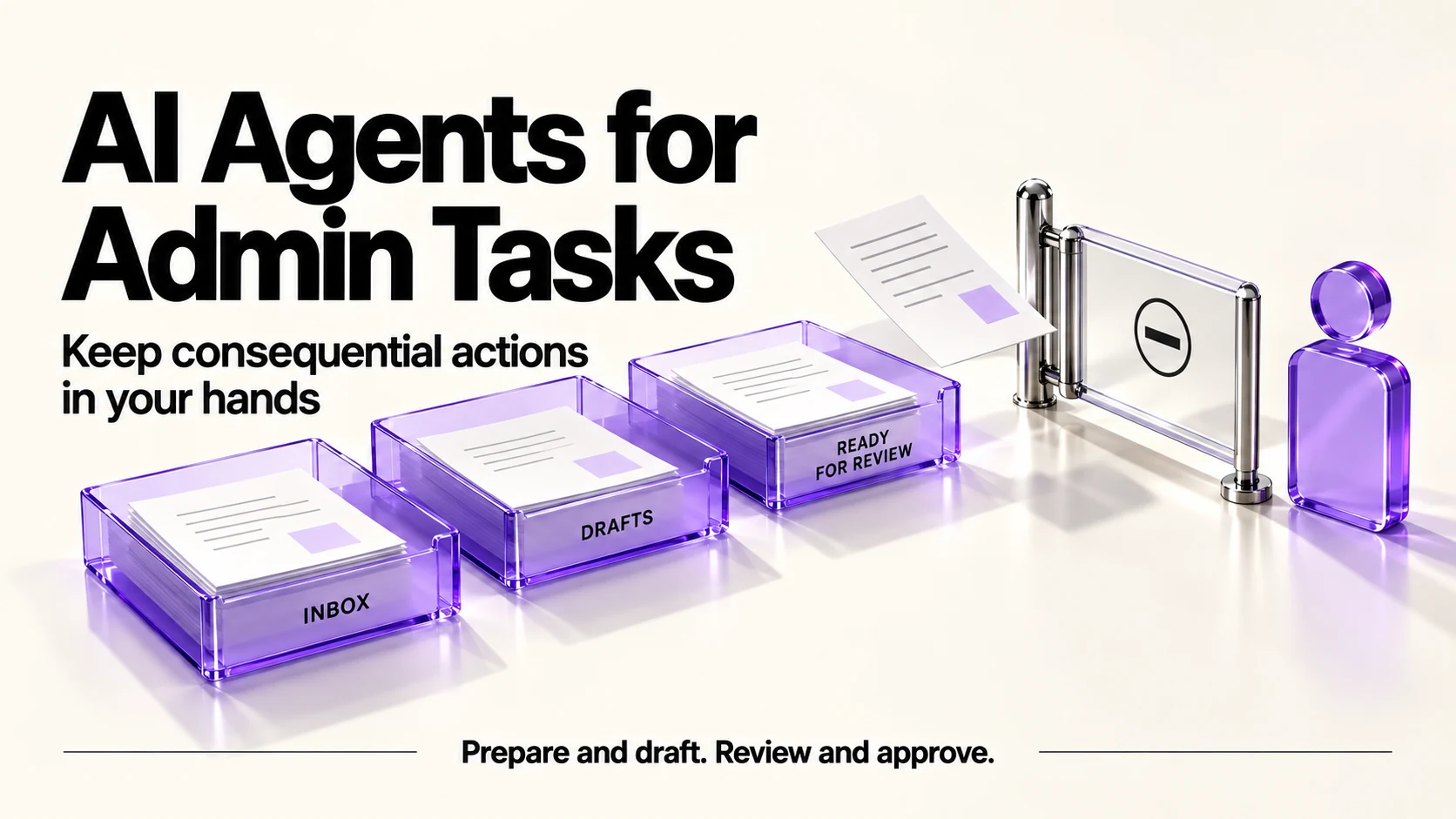
An AI agent is worth using for admin only where a mistake is cheap and visible: sorting, drafting, summarizing and preparing. Keep sending, paying, deleting and promising in your own hands. Give an agent the narrowest access that works, use reversible staging actions and minimal logs, and alert promptly on failures. Make labels its AI Agents feature beta; this article does not establish a general reliability level for agents.
Original research dated September 21, 2026; text revised September 21, 2026. Claim-specific rechecks are identified in Sources and method. This article contains no affiliate links.
Who this is for
You keep reading that AI agents will run your admin, and you want a way to decide what to hand over without waking up to a mess you have to apologize for.
What is actually on offer
- In automation platforms. Make’s pricing page lists “Make AI Agents (beta): Build and manage AI Agents in Make with our AI Provider”, alongside an AI toolkit and its Maia assistant, on all plans. Source: Make pricing
- In workspaces. Notion’s pricing page lists custom agents as an add-on, charged after a trial at “$10 per 1,000 monthly Notion credits”. Source: Notion pricing
- In assistants. For any assistant, verify the specific tools, permissions and entitlement before treating it as an agent. The privacy pages below describe data controls, not proof of a particular agent capability.
Metered usage can accumulate in loops. Check each selected product’s billing rules and status; Make’s beta label does not establish the status of every other vendor’s agent.
The risk test before you delegate anything
| Question | Candidate for a controlled trial | Keep it yourself |
|---|---|---|
| Is it reversible? | Moving a file, adding a label, drafting | Sending, paying, deleting, publishing |
| Would a mistake be visible? | Lands in a list you review | Happens silently in someone else’s inbox |
| Does it commit you? | No promise or price involved | Quotes, deadlines, scope, terms |
| Whose data does it touch? | Your own notes and files | Client confidential material, personal data |
Five admin jobs worth delegating
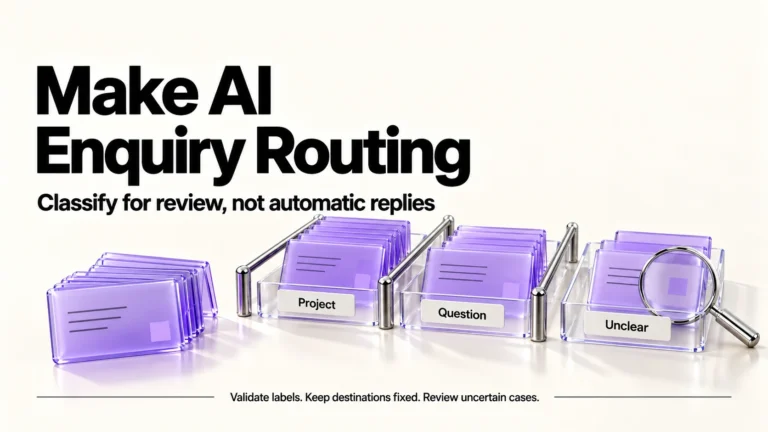
- Triage. Label incoming messages or enquiries into a fixed list, with an “unclear” lane you check. Our guide to routing enquiries with Make covers a scenario for this.
- Preparation. Assemble a brief before a call: recent messages, the agreed scope, open questions.
- Drafting. Replies, updates and summaries that you read and send.
- Reconciling lists. Compare two sources, such as invoices against payments, and report differences for you to act on.
- Housekeeping with a net. Renaming or filing into a staging folder, never deleting.
Five that should stay manual
- Anything that sends to a client, a prospect or a supplier.
- Anything that spends, including subscribing, paying invoices and issuing refunds.
- Anything that deletes or permanently changes records.
- Pricing and scope decisions, even drafted ones you would rubber-stamp.
- Anything legal or regulated, where wording has consequences.
Setting limits before an agent runs
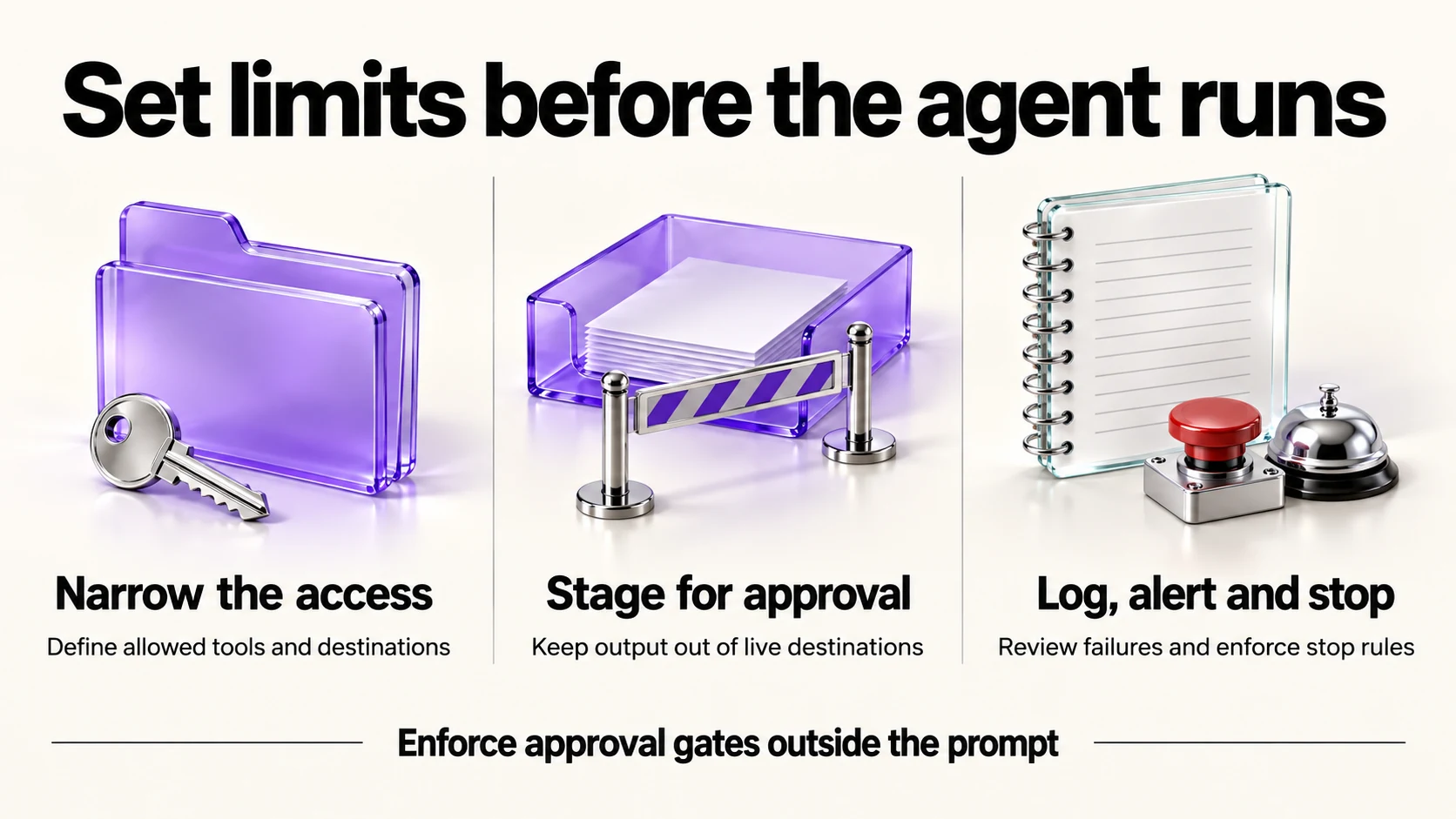
These are proposed safeguards, not a guarantee. Incoming emails and documents may contain instructions designed to redirect an agent. Treat that content as data; enforce allowed tools, destinations and approval gates outside the prompt. Invalid output or a failed step must stop or enter manual review. Source: Microsoft indirect prompt-injection guidance.
- Narrow access. One folder, one mailbox label, one spreadsheet. Not your whole account.
- A written brief. What it may do, what it must never do, and what to do when unsure, which is always “stop and list it for me”.
- A staging area. Output lands somewhere you approve from, not in the live destination.
- A log. Record action IDs, timestamps, outcomes and redacted source references. Limit access and retention; avoid copying full sensitive inputs into logs.
- A stop condition. A cap on runs or spend per day, so a loop cannot run all night.
- A weekly review and prompt failure alerts. Inspect outcomes and missed work, but do not wait until the weekly review to learn a critical task failed. Our weekly automation checkup covers making that stick.
Data settings and client agreements
An agent’s data exposure depends on its permissions and inputs; review both before connecting it. OpenAI documents an “Improve the model for everyone” setting under Settings, then Data Controls, with Temporary Chats deleted after 30 days and not used for training. Source: OpenAI Data Controls FAQ. Anthropic documents a “Model Improvement” setting in Privacy Settings, with Incognito chats excluded. Source: Is my data used for model training?. Google states Gemini Apps activity is auto-deleted after 18 months by default, that a subset is reviewed by human reviewers and retained up to three years, and that chats are kept 72 hours with activity off. Source: Gemini Apps privacy hub
Then check your client agreements. Connecting an agent to a mailbox containing client material is a processing decision, not a productivity tweak.
What “oversight” means in practice
- You can explain what it did yesterday, from the log, without guessing.
- You can turn it off in a minute, and you know what breaks when you do.
- Someone else could take it over because the brief is written down.
- You notice when it stops working. Monitor for missing expected outputs as well as explicit errors; this article has no evidence ranking failure types by frequency.
Frequently asked questions
Can an agent run my inbox?
It can sort and draft. Sending should stay with you, because a sent message cannot be recalled and carries your name.
What does it cost?
Check the actual product and connection. Make AI usage can depend on operations and tokens, with separate token charges for a custom provider; Notion’s page lists agent credits. Budget for retries and loops, not only successful work. Make credit documentation.
Are agent features reliable yet?
Make labels AI Agents beta. Evaluate the specific task with approved inputs before enabling consequential actions.
What is the first thing to automate?
Consider label-only triage with fixed categories, an unclear lane and human review. It is a candidate to test, not a proven source of time savings; do not automatically delete or reply.
Sources and method
Original research: September 21, 2026. Text revision: September 21, 2026. For this revision, Make’s pricing and credits were rechecked. Other product and privacy statements and injection guidance are retained from the September 21 research/review rather than presented as new checks. Sources used across the original research and this revision: the vendor pricing/data-control pages and the Make credit and Microsoft injection guidance linked above. Only Make’s cited beta status is asserted. Permissions, validation, redacted logs, alerts and manual approval are proposed safeguards. Confirm each product’s entitlement and client-data authorization; generic privacy settings do not establish either.
Read next