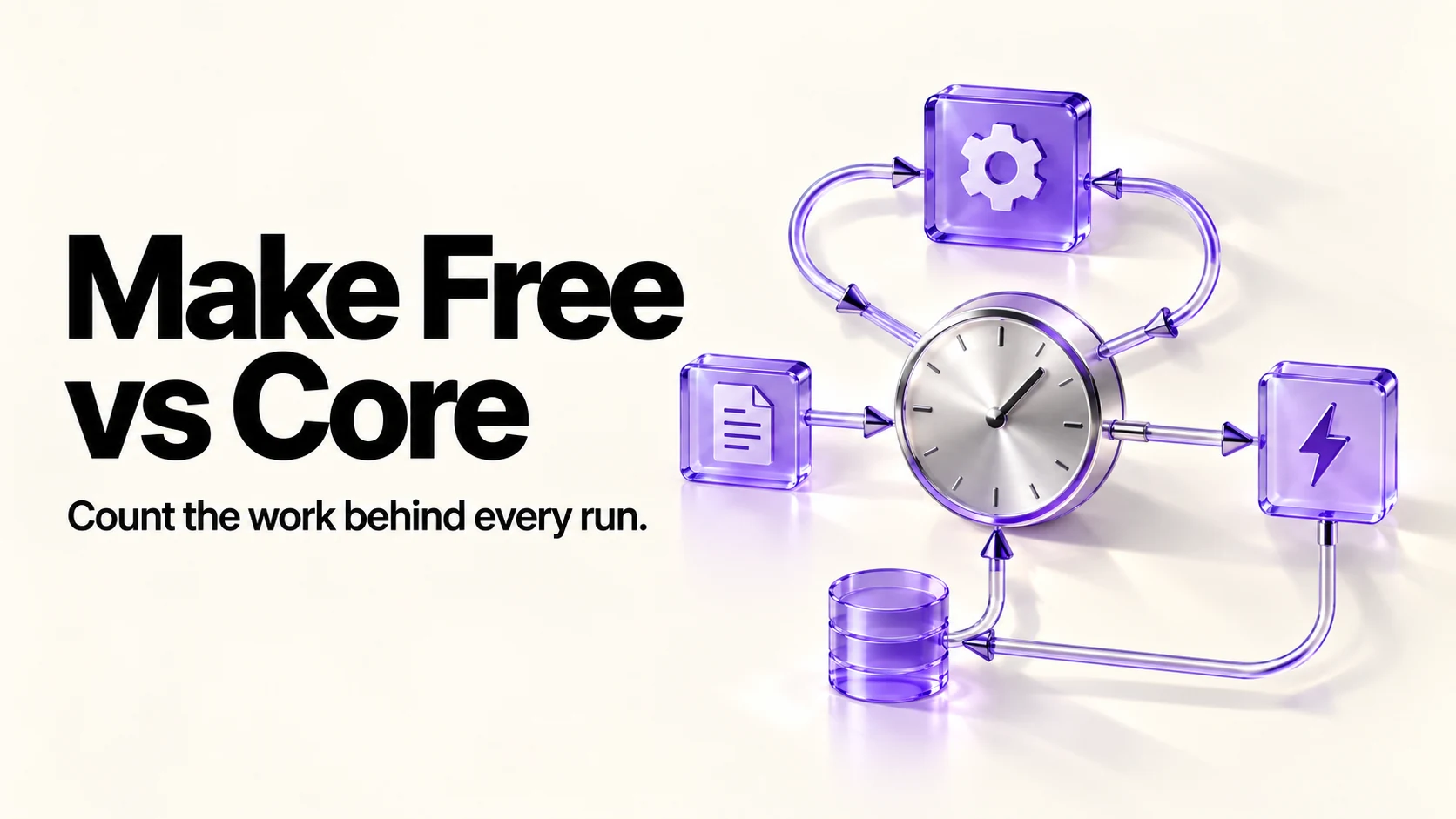
Make Free allows 1,000 credits monthly, two active scenarios and scheduled runs no closer than fifteen minutes. Core expands those limits. Choose by required features and actual module consumption: ordinary actions, AI usage and polling can have different costs. A theoretical 30-day schedule checking every fifteen minutes needs 2,880 checks, so optimize unnecessary polling before budgeting a larger allowance.
Original research dated September 21, 2026; text revised September 21, 2026. Claim-specific rechecks are identified in Sources and method. This article contains no affiliate links.
Who this is for
You automate a few things as a one-person business, you are on Make’s free plan, and you want to know whether the next tier is necessary or whether your scenarios are wasteful.
The plans
| Plan | Annual billing, monthly equivalent | Credits a month |
|---|---|---|
| Free | $0 | 1,000 |
| Core | $9 | 10,000 |
| Pro | $16 | 10,000 |
| Teams | $29 | 10,000 |
Source: Make pricing. Compare Free and Core first, then consider higher tiers only for a documented feature requirement. Free has two active scenarios and a 15-minute minimum schedule; paid plans list unlimited active scenarios and one-minute scheduling.
What a credit is
Ordinary modules generally consume one credit per operation. A simplified estimate is chargeable operations per run multiplied by runs, but bundles, branching and retries change operation counts. Routers and filters do not automatically add a charged operation; some AI and advanced modules use different rates. Make’s credit documentation gives the exceptions.
The arithmetic that actually matters
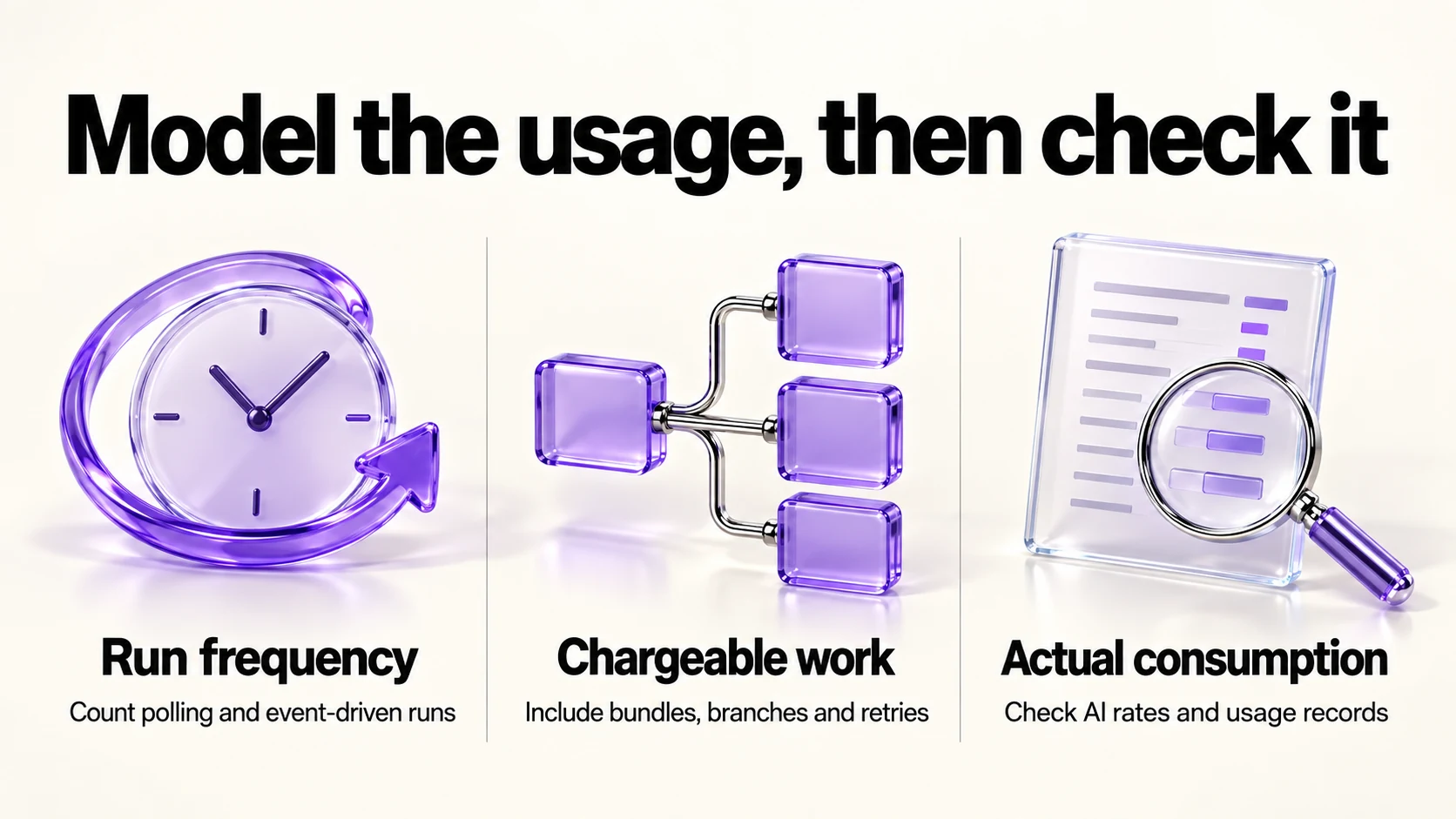
| Pattern | Runs a month | Assumed chargeable operations per run | Credits |
|---|---|---|---|
| Polling every 15 minutes | 2,880 | 1 check | About 2,880, before any work happens |
| Polling every hour | 720 | 1 check | About 720 |
| Event-driven non-AI example, 50 events | 50 | 3 | About 150 |
| Daily summary | 30 | 4 | About 120 |
| Weekly report | 4 | 8 | About 32 |
Webhooks avoid empty polling checks; processing an event still uses applicable credits. The 2,880-check row is theoretical demand exceeding Free’s monthly allowance, not a claim Free completes that schedule. Find the largest actual usage sources rather than assuming polling is always the cause.
Four fixes before you upgrade
- Use instant triggers, such as webhooks, where the app supports them, instead of polling.
- Lengthen schedules. Hourly instead of every 15 minutes, or twice a day for anything that is not urgent.
- Filter early. Put the filter immediately after the trigger so later steps do not run for irrelevant items.
- Merge scenarios. Combining duplicate polling may remove repeated checks; downstream routes still have their own usage.
Our weekly automation checkup covers spotting scenarios that run without doing anything useful.
When Core is the right purchase
- You have fixed the schedules and still exceed 1,000 credits.
- Your automations handle client-facing work, where stopping mid-month because credits ran out is unacceptable.
- You run scenarios with many steps, such as enrichment or multi-app routing.
- The chosen billing commitment and required capacity are justified by your measured needs, including more than two active scenarios or shorter schedules.
When to stay free
- At most two active scenarios, with usage within the free allowance and schedules compatible with its limits.
- Reporting that runs daily or weekly rather than continuously.
- A test whose required modules and provider connections are available within Free’s limits. Price AI usage before enabling it.
Before you commit
- Check your current month’s usage in Make and note which scenario consumes most.
- Apply the four fixes and watch one full month.
- If you still need more, compare a separately quoted month-to-month Core option with the annual commitment shown above.
- Re-check after three months: failed runs may consume credits, while disabled scenarios may stop doing necessary work.
If you are choosing between platforms rather than plans, our Zapier vs Make comparison covers the pricing models side by side, and our companion article on routing enquiries with Make’s AI steps covers a scenario worth building first.
Frequently asked questions
How many operations does one automation use?
Count operations rather than boxes on the canvas. The table is only a fixed-rate example; bundles, retries, AI and advanced modules can change consumption.
Do AI steps cost more than other steps?
They can. Make-provider AI may consume credits for operations and tokens; a custom provider can charge separately for tokens. Check the module’s current billing rules and selected connection.
What happens when I run out?
Execution can stop if credits run out. Depending on your plan and settings, options include resetting allowances, upgrading or purchasing extra credits, including automatic purchases. Check those settings and alerts; a paid plan alone does not guarantee continuity.
Is annual billing worth it?
The page describes savings of 15% or more on annual billing. Commit only once your usage is stable.
Sources and method
Original research: September 21, 2026. Text revision: September 21, 2026. For this revision, Make pricing, credit documentation and its Core pricing example were rechecked for limits, billing basis and variable usage. Sources used across the original research and this revision: Make pricing, credit documentation and Make’s annual Core-price example. The table models fixed-rate non-AI demand. Schedule, capacity and billing choices are editorial suggestions; assess actual usage and provider charges before purchasing.
Read next