File sync alone is not a complete backup plan: deletions or malicious changes can propagate. Use three copies across two storage types, with one off-site. Keep an offline, encrypted backup or appropriately isolated immutable storage, and test recovery regularly. Encryption protects confidentiality; it does not prevent an attacker from deleting reachable backups. Start with a small restore test, then plan broader recovery checks around the data and systems your business needs.
Editorial research checked September 17, 2026 against the Cybersecurity and Infrastructure Security Agency’s (CISA) published small-business guidance. No backup, restore or incident was actually performed for this article; costs below are editorial planning estimates, not vendor quotes, and are labeled as such. This article contains no affiliate links and does not endorse a specific product.
The critical-data inventory
Before choosing tools, list what actually needs protecting. Most one-person businesses only have four categories worth naming:
- Client files — deliverables, source files, project folders.
- Signed contracts and agreements — anything you would need to produce in a dispute.
- Finance exports — invoices, bookkeeping exports, tax records.
- Credentials and configuration — password manager export, key business-app settings.
Use these categories as a starting point, not an exhaustive inventory. Include application settings, licenses, configuration and any other information needed to resume work. Record which software can be reinstalled and which business-specific data must be restored.
The 3-2-1 model, in CISA’s words
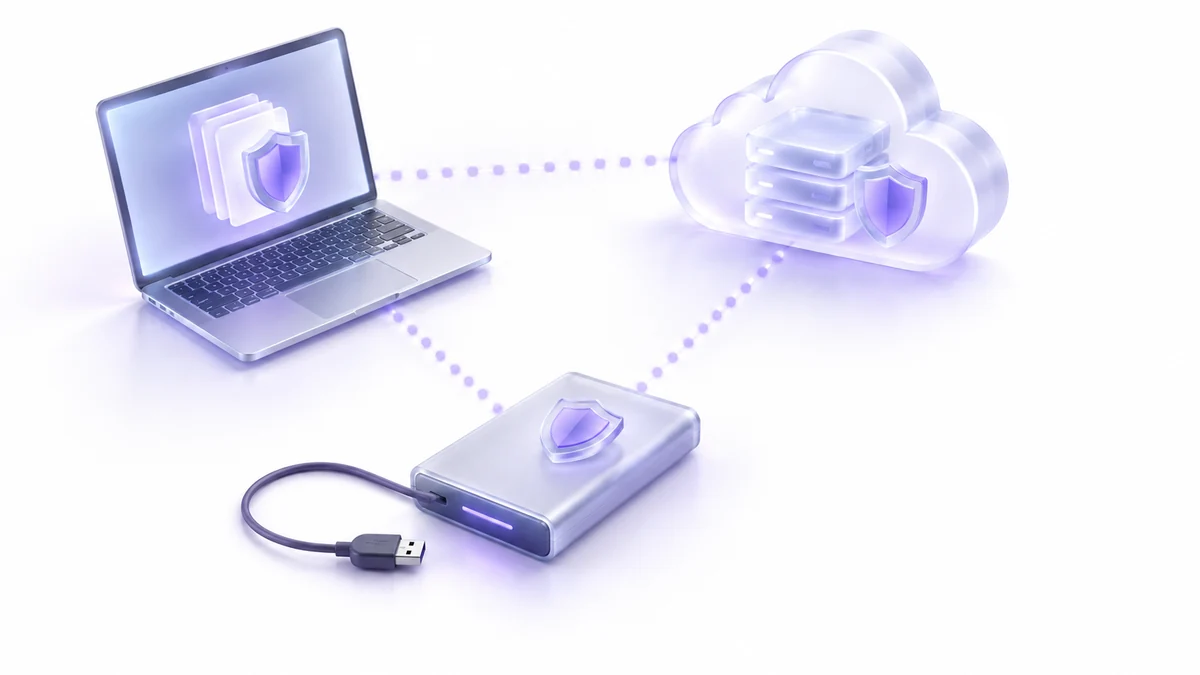
CISA’s guidance for small and medium businesses states the rule directly: “3 copies of important files, 2 different types of storage media (like a hard drive and the cloud), 1 copy stored off-site, away from your business location.” A companion CISA resource repeats the same structure almost verbatim, describing it as one of four core best practices for business cybersecurity, alongside logging, encryption and sharing incident information with CISA. Source: Level Up Your Defenses.
For a one-person business, a workable mapping is: your working laptop holds copy one; a local external drive holds copy two; a cloud backup service holds copy three and also satisfies the off-site requirement. That is two storage media (local disk, cloud) and one copy that is physically away from your desk.
Offline isolation and encryption
CISA recommends offline, encrypted backups and regular recovery tests because ransomware can compromise accessible backups. Sync alone may propagate unwanted changes; some services offer version history or recovery features, but those must be configured and tested rather than assumed. Source: CISA StopRansomware Guide.
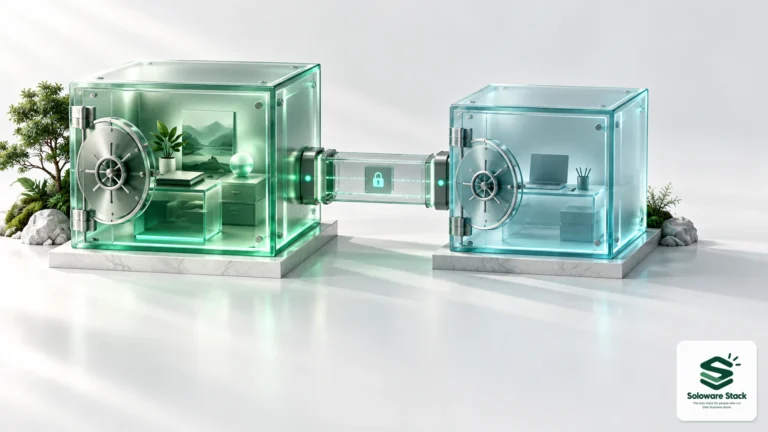
Keep at least one backup offline and encrypted: connect an external drive for backup, then disconnect it. Encryption protects confidentiality but does not stop ransomware from deleting or overwriting files it can reach, even if the attacker cannot decrypt them. Appropriately configured immutable storage with separate access controls can provide another layer of protection. Confirm retention locks and recovery access with the provider, and protect encryption keys separately.
Account recovery
A backup plan that depends on one login is one password reset away from failing. For each account that holds a copy of your data — your cloud backup service, your password manager, your email — confirm you have a recovery method that does not rely on a device you might also lose (a printed recovery code stored with your offline backup, or a second email address you actually check). This is not covered in CISA’s backup pages directly; it is a practical extension of the “offline copy” principle: your access method needs an offline copy too.
The monthly restore test
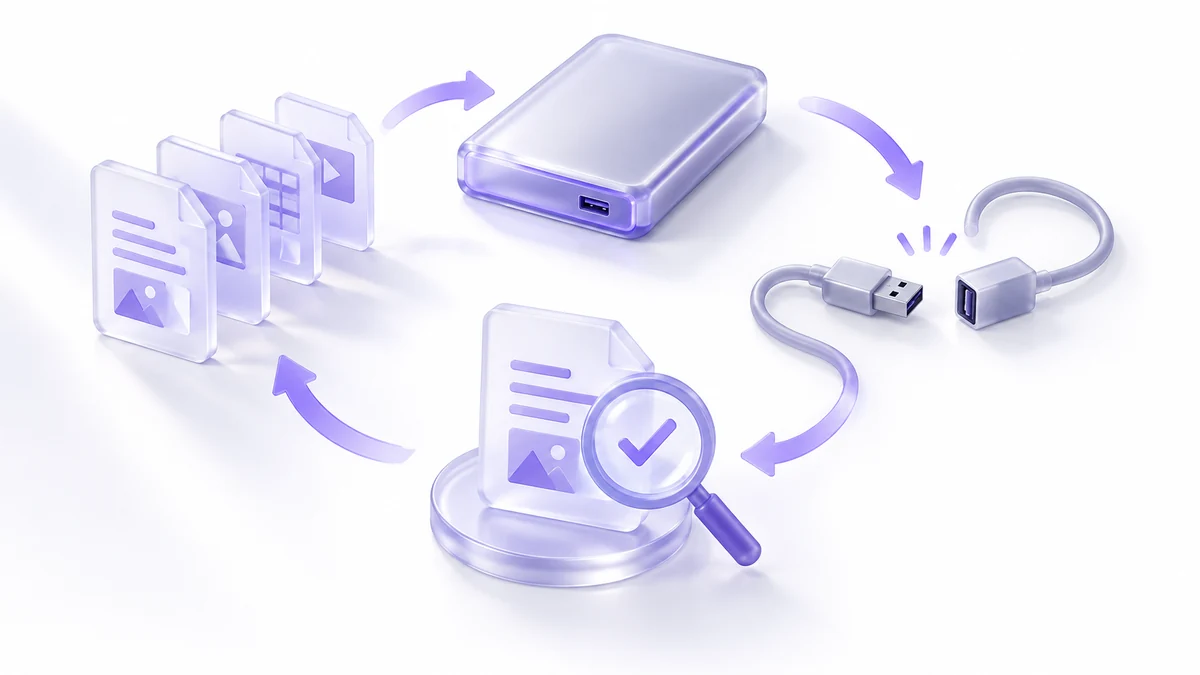
CISA recommends regular backup testing. The monthly sample test below is our editorial starting point, not a CISA-prescribed interval or proof that every file and application can be recovered. Test both recent and older versions according to your own retention needs, and periodically test broader recovery. Source: CISA StopRansomware Guide.
| Step | What to check |
|---|---|
| 1. Pick one file | Choose a client file you’d genuinely miss, not a throwaway test file. |
| 2. Restore from the off-site copy | Not the live sync — the actual backup destination. |
| 3. Restore an older version | For example, test a version from a week ago if your retention policy requires it. Choose the age based on your business needs. |
| 4. Open and verify | Open the restored file. A backup that “completed” but won’t open is not a backup. |
| 5. Log the date | One line in a note: date tested, result, anything fixed. |
Do this the same day each month — for example, the first Monday — so it survives busy weeks. If the test ever fails, treat that as more urgent than any client deadline: a backup you haven’t verified is a guess, not a plan.
Retention
Define retention around client obligations, applicable requirements and how long errors may go unnoticed. One illustrative starting point is frequent versions for 30 days plus monthly snapshots for a year. These are editorial examples, not universal requirements or CISA-prescribed durations. Adjust the policy to your data, recovery needs and deletion obligations, and verify that the backup service can enforce it.
Cost worksheet
Editorial planning estimates only, not quotes from a tested or endorsed vendor; check current pricing before you buy.
| Item | Typical range (editorial estimate) | Notes |
|---|---|---|
| External drive (local copy) | One-time cost, low hundreds of USD or less depending on capacity | Buy once; replace every few years or if it shows errors. |
| Cloud backup subscription (off-site copy) | Roughly $5–$15/month for a single-user plan, more for larger storage tiers | Confirm the plan includes version history long enough to cover your retention choice. |
| Time | Allow setup and recurring test time based on data volume, systems and connection speed | The real cost of a backup plan is the monthly test, not the tools. |
Incident checklist
If you suspect ransomware or have lost a device, CISA’s guide gives the order of operations for the recovery step specifically:
- Isolate first. Disconnect the affected device from the network before doing anything else.
- Don’t reconnect infected systems to clean backups. CISA warns to “take care not to re-infect clean systems during recovery” — verify a device is clean before it touches your backup destination again.
- Restore from a known-good, isolated backup, following the same priority CISA describes: “Reconnect systems and restore data from offline, encrypted backups based on a prioritization of critical services.” For a solo business, that means client files and finance records first.
- Change credentials for any account that may have been exposed, using the offline recovery method you set up above.
- Report the incident if required by a client contract or applicable law, and consider CISA’s own recommendation to share cyber incident information with the agency.
Frequently asked questions
Is Dropbox, iCloud or Google Drive sync a backup?
Not by itself. A live sync mirrors deletions and encryption from an infected device just as fast as it mirrors saved work. It can be one of your three copies if it has version history, but it should not be your only copy.
How often does CISA say to back up?
CISA recommends regular backup and recovery testing. Choose backup frequency based on how much recent work you can afford to lose, and test recovery according to your retention policy. The monthly sample test here is an editorial suggestion, not a prescribed CISA schedule.
Does the off-site copy have to be a cloud service?
No. A second external drive kept at a different physical location satisfies “off-site” too. A cloud service is usually simpler to keep current for a one-person business.
How long should I keep old versions?
There is no single retention duration suitable for every business. This article suggests 30 days of frequent versions plus a longer monthly snapshot as a practical starting point — adjust it to your own risk and how far back you might need to recover.
Sources and method
This article draws on CISA’s 3-2-1 and ransomware guidance. The distinction between encryption and isolation was reviewed on September 18, 2026. No backup, restore or incident response was performed. Specific costs, retention examples and the monthly sample-test schedule are editorial planning guidance, not verified vendor quotes or prescribed CISA requirements. A sample-file restore does not prove complete business recovery. Confirm current pricing and adapt the plan to your data and obligations. This is not legal or compliance advice.
Read next