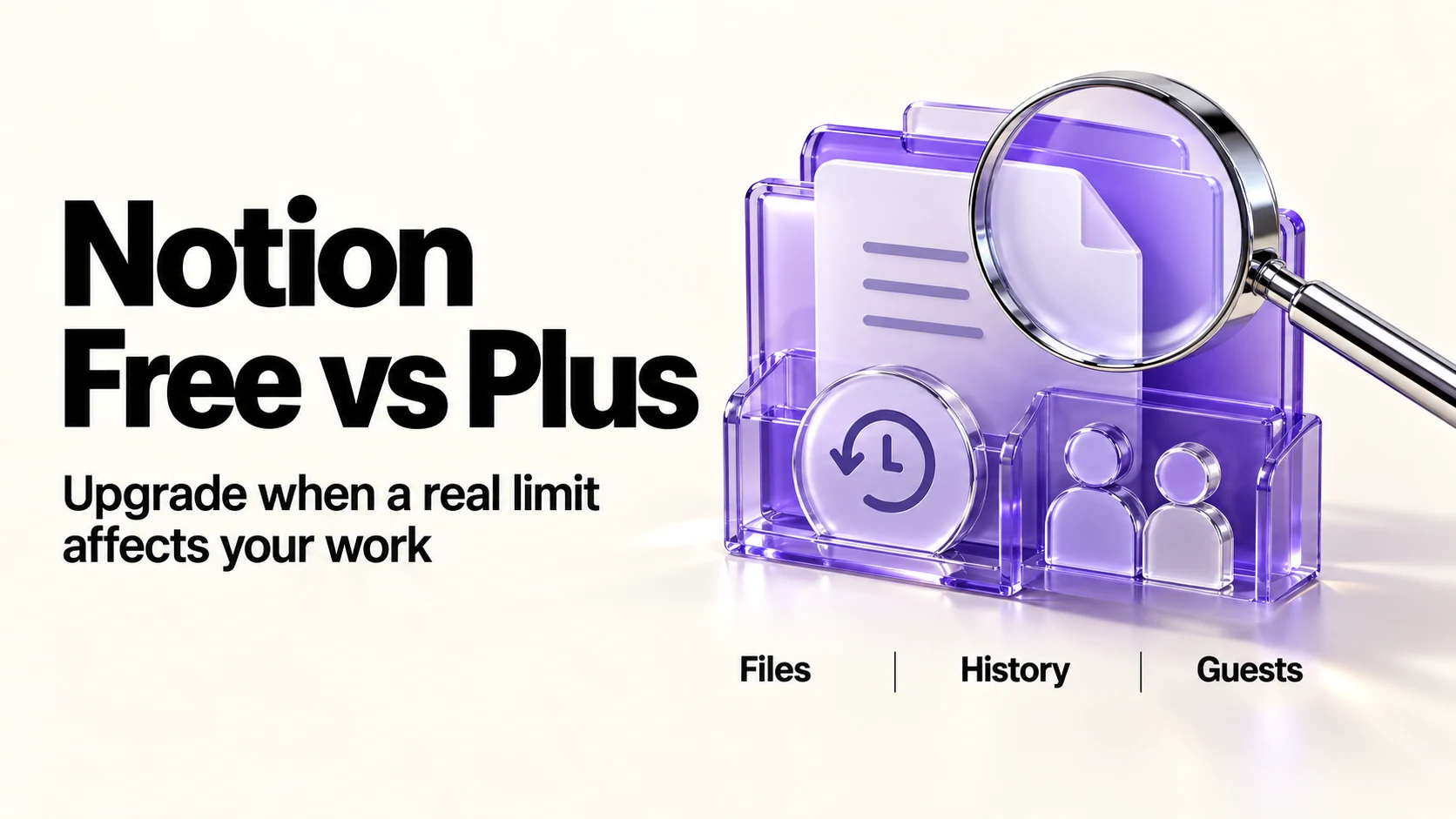
Stay on Notion Free if you work alone, share little, and upload nothing bigger than 5 MB. Move to Plus, $10 per member a month billed annually or $12 monthly, when one of four limits starts costing you time: the 5 MB file cap, seven-day page history, ten external guests, or a single chart. Plus does not unlock full Notion AI; that sits on Business.
Original research dated September 20, 2026. Text revised September 21, 2026; Sources and method identifies the specific claims rechecked and any earlier observations retained. This article contains no affiliate links.
Who this is for
You run a business by yourself, your Notion workspace has grown past a personal to-do list, and you are wondering whether the free plan is holding you back or doing fine.
The short comparison
| What changes | Free | Plus |
|---|---|---|
| Price | $0 | $10 billed annually, $12 billed monthly |
| File uploads | Up to 5 MB per file | Unlimited uploads; approximately 5 GB maximum per file |
| Page history | 7 days | 30 days |
| External guests | 10 | Unlimited |
| Charts | 1 | Unlimited |
| Forms | Basic | Custom |
| Included notion.site domains (not the number of published pages) | 1 | 5 |
| Search engine indexing | Basic | Advanced |
| Notion Agent, meeting notes, research mode | Limited trial | Limited trial |
| Blocks | Unlimited for personal use; limited with two or more members | Unlimited |
Manual baseline: what the free plan actually costs you
Free limits can require workarounds, depending on your workload: uploading a client’s PDF to Drive and pasting a link because it is over 5 MB, losing an edit you wanted back on day nine, or hitting the guest cap when the eleventh client needs access to their own page. Record the actual time those workarounds take. Compare that cost and your history needs with the $120 annual seat price; no time saving is assumed here.
The four triggers to upgrade
1. Files over 5 MB
Free caps individual uploads at 5 MB. Check the size of your own photos, contracts and decks rather than assuming they exceed it. Plus raises the per-file ceiling to approximately 5 GB. The workaround, keeping files in Drive or Dropbox and linking them, is fine, but then Notion is an index rather than a store.
2. Page history beyond seven days
Free keeps 7 days of page history; Plus keeps 30. This can help recover a recent edit within those windows. Thirty days does not cover every date in the previous calendar month and is not a substitute for retaining the signed agreement and approved versions.
3. More than ten external guests
Free allows 10 external guests. If each client needs exactly one guest account, that accommodates ten clients; multiple contacts per client consume more slots. Plus lists unlimited guests. Sharing a public link instead avoids the cap but gives anyone with the link access, which is usually wrong for client material.
4. More than one chart
Free includes 1 chart; Plus is unlimited. A single chart is enough for one revenue view, not for a small dashboard of income, pipeline and hours.
What Plus does not change
- Notion AI is a limited trial. Free and Plus do not include an ongoing allowance for the Agent, meeting notes and research mode. Business includes these capabilities beyond the trial, at $20 per member a month billed annually. If AI is your reason to upgrade, Plus is not the plan.
- Data retention with model providers defaults to 30 days or fewer on Free, Plus and Business and zero on Enterprise. Enabled data-retaining models and External Agents have separate conditions. Source: Notion AI security practices.
- Private teamspaces and SAML start at Business; audit logs require Enterprise. Check these if your client’s access requirements call for them.
- Custom domains for published sites are billed per domain on paid plans, separately from your seat.
How to decide in ten minutes
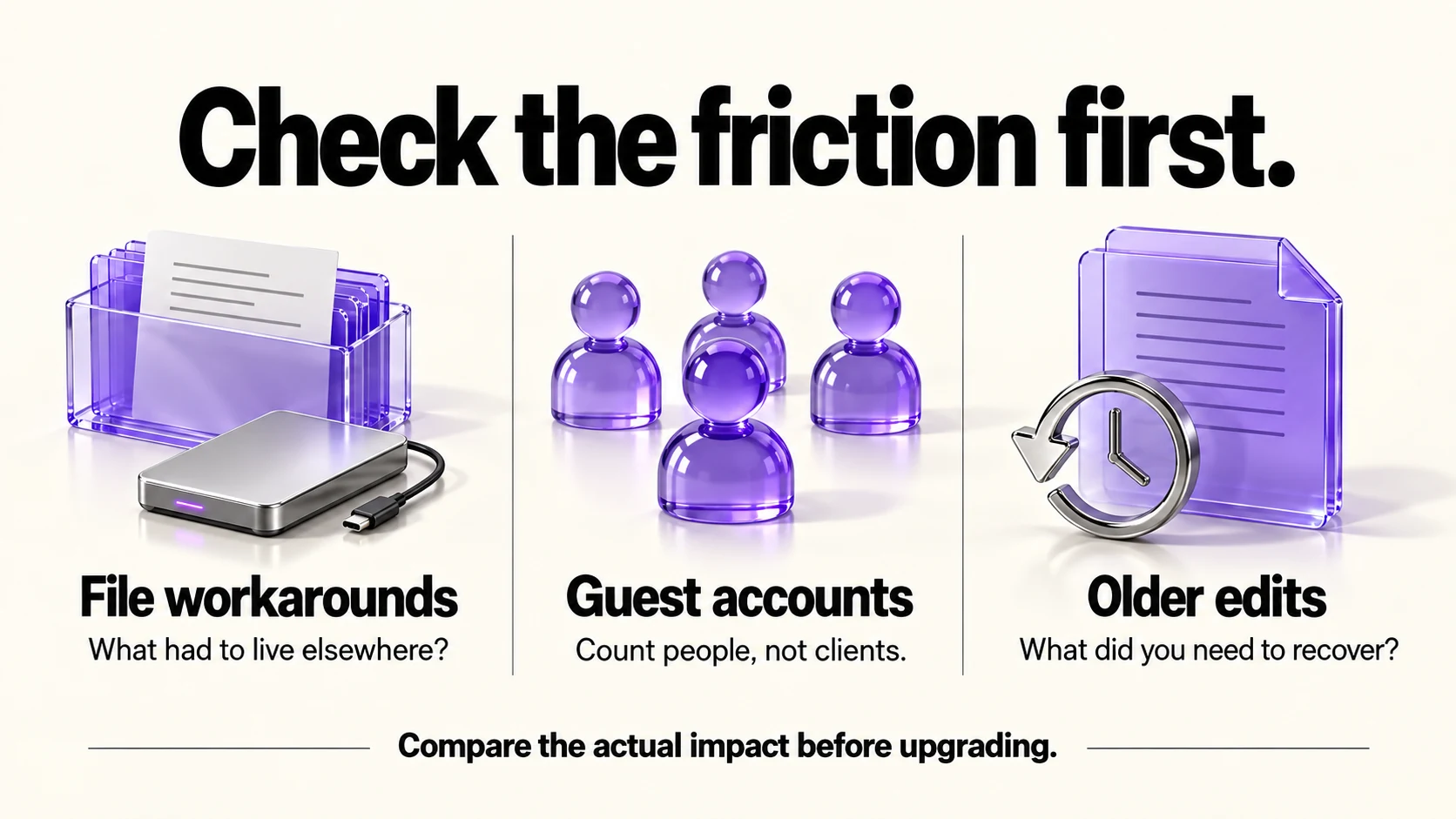
Set aside about ten minutes for an initial review, and allow longer if you need to inspect files or access requirements.
- Count the files you had to store elsewhere because of the 5 MB cap in the last month.
- Count individual external guest accounts, including multiple contacts at one client. Plan around the ten-guest limit if more contacts need private access.
- Ask whether you have ever wanted an edit back after a week.
- If none of these applies, stay free and revisit in three months.
- If any limit materially affects your work, compare its actual cost with $12 monthly or $120 annually; no fixed number of triggers makes upgrading automatically worthwhile.
If the answer is that your records do not really suit Notion, our Notion vs Airtable comparison covers the other direction, and our client intake forms guide shows what the free forms can already do.
Before you upgrade
- Export your workspace as a backup. All plans list workspace-wide export in HTML, Markdown and CSV.
- Check whether a cheaper fix solves the problem: linking large files from cloud storage, or archiving instead of relying on history.
- Decide monthly or annual. Annual saves $2 a month per member but locks the year.
- Confirm the current limits on the pricing page. Notion changes plan contents regularly, including how AI is packaged.
Frequently asked questions
Is the Free plan really unlimited for one person?
The table lists pages and blocks as unlimited for personal use, with limits appearing when a workspace has two or more members. The other caps, such as file size and history, still apply.
Does Plus include Notion AI?
Plus and Free offer a limited AI trial, not a renewing allowance. Business includes the named AI features beyond the trial; Custom Agents consume separate credits.
What happens to my data if I downgrade?
Notion’s pricing page does not spell that out; check its help centre and export a backup before changing plans.
Can I pay for one month to test?
Yes. Monthly billing is $12 per member per month, against $10 on annual billing.
Sources and method
Revised September 21, 2026 after checking Notion’s linked plan table and AI security documentation for trial wording, upload limits, security tiers and retention exceptions. Seat prices retain the original September 20 USD monthly/annual observation. The upgrade triggers and suggested timebox are editorial guidance; preserve approved client records independently of page history and check current billing before subscribing.
Read next