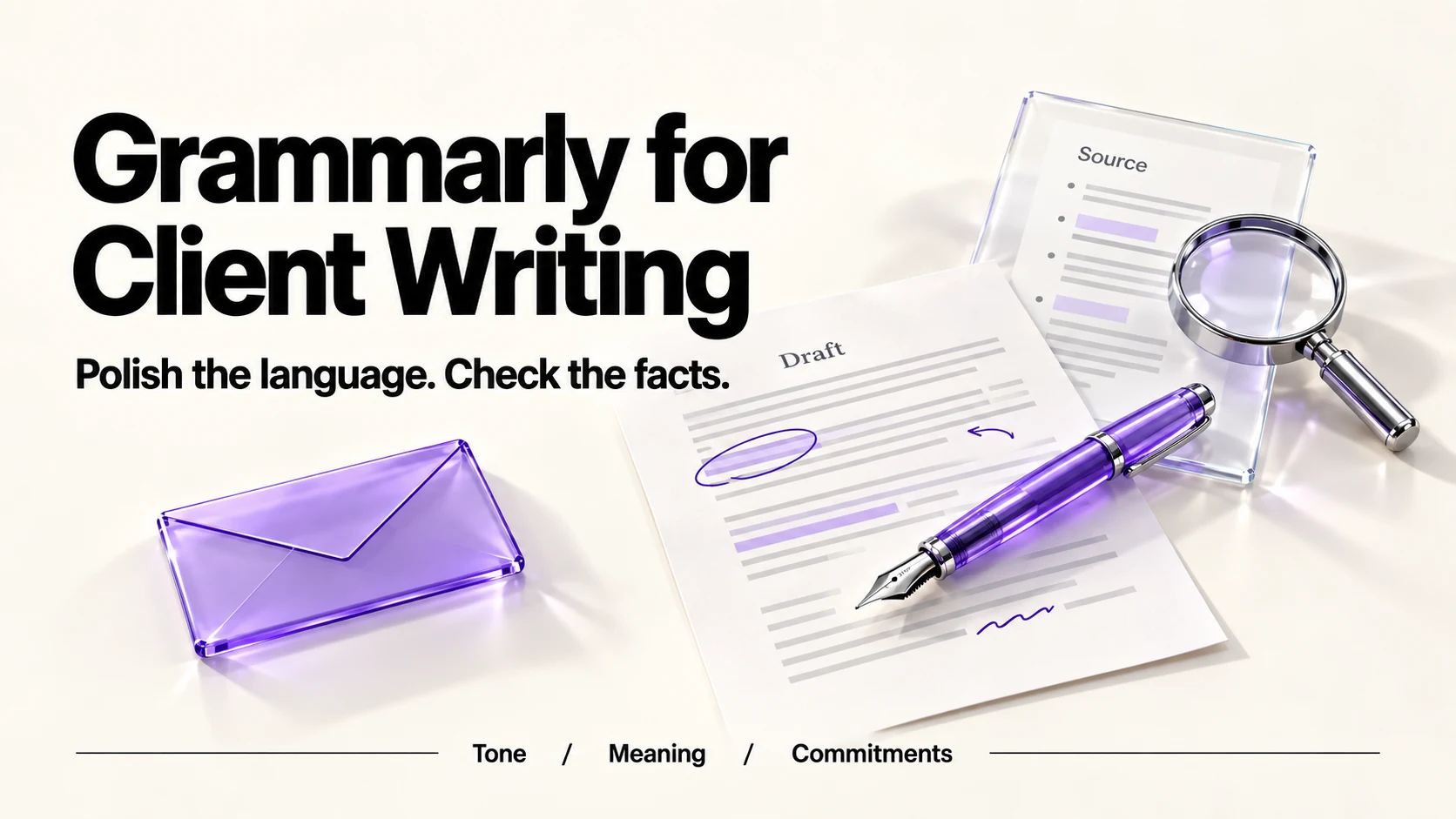
Consider Grammarly Pro if you regularly need client-facing rewrites and tone adjustment. It costs US$144 per member paid yearly, equivalent to US$12 per month, or US$30 billed monthly. Pro includes full-sentence rewrites, tone adjustment and 2,000 monthly AI prompts against Free’s 100. Before you paste client material, turn off Product Improvement and Training, which Grammarly says is on by default for individual accounts. Generated text still needs your facts checked.
Original research dated September 20, 2026. Text revised September 21, 2026; Sources and method identifies the specific claims rechecked and any earlier observations retained. This article contains no affiliate links.
Who this is for
You write proposals, reports and client emails every day, English is your working language whether or not it is your first, and you want the writing to read as carefully as the work behind it.
Manual baseline: what you do now
A manual workflow is to write a draft and proofread before sending. The two failures that cost you are tone, when a firm email reads as annoyed, and small errors in a document a client pays for. A grammar tool can flag some errors but does not catch every one. The AI features target the first, plus the time it takes to rewrite a clumsy paragraph.
What each plan includes
| Feature | Free | Pro |
|---|---|---|
| Price | $0 | US$144 billed yearly (US$12/month equivalent), or US$30 billed monthly |
| AI prompts | 100 a month | 2,000 per member a month |
| Writing error detection | Basic | Included |
| Tone | Tone visibility | Tone adjustment |
| Full-sentence rewrites | Not included | “Rewrite full sentences with a click” |
| Plagiarism and AI-text detection | Not included | Included |
| Trial | — | Trials offered periodically; availability and terms vary |
Source: Grammarly plans. An Enterprise tier adds unlimited prompts per member and administrative controls; it is priced through sales.
What 2,000 prompts a month means in practice
A prompt is an AI request, not a corrected comma. Rewriting, tone changes and generation use the AI allowance; consult the usage counter rather than assuming every operation is charged identically. For a solo business, 100 free prompts is roughly three a day, enough to test whether you like the output; 2,000 is a larger monthly allowance, not unlimited use. If you never reach 100, the free plan plus careful editing is a reasonable choice, and our Grammarly vs ProWritingAid comparison covers the alternative if reports matter more to you than rewrites.
Where it helps in client work
- Tone on difficult emails. Chasing an invoice, declining extra scope, or correcting a client are the messages where tone does the damage. Adjust tone, then read it aloud once.
- Tightening proposals. Rewrites are good at removing throat-clearing sentences. They are not good at deciding what a section should promise.
- Consistency across a long report. Same terms, same spelling variant, same capitalization of the client’s product names.
- Second-language polish. If you write in English for US or UK clients from elsewhere, evaluate whether the suggested rewrites improve clarity without changing your meaning.
The privacy setting to change first
Grammarly’s support article states that for Grammarly Free, Premium and single-user Pro accounts, the Product Improvement and Training control is on by default, and can be turned off at the account privacy settings page. For multi-user Pro bought on the website, admins control it, also on by default. For sales-team purchased and education accounts, the article says “Product Improvement and Training is off by default” and there is no toggle. Source: Product Improvement and Training Control
- Turn it off before pasting client material, then check that it stayed off after any plan change.
- Grammarly says the control covers content used for training and product improvement, while aggregated and de-identified data such as writing statistics may still be collected.
- Check your client agreements. A confidentiality clause may rule out browser extensions that read text in the first place.
- Decide where it runs. An extension that is active in every text box, including your bank’s, is a wider surface than a desktop app you paste into.
What it will not do for you
- Check facts. Prices, dates, deliverables and names are yours to verify.
- Know your client’s house style. Tone adjustment is generic; your client’s preference for “we” over “I” is not.
- Make a weak argument strong. Clean prose around an unclear proposal is still an unclear proposal.
- Replace a proofread of anything contractual. Read contracts yourself, or have a professional do it.
A five-minute routine before sending
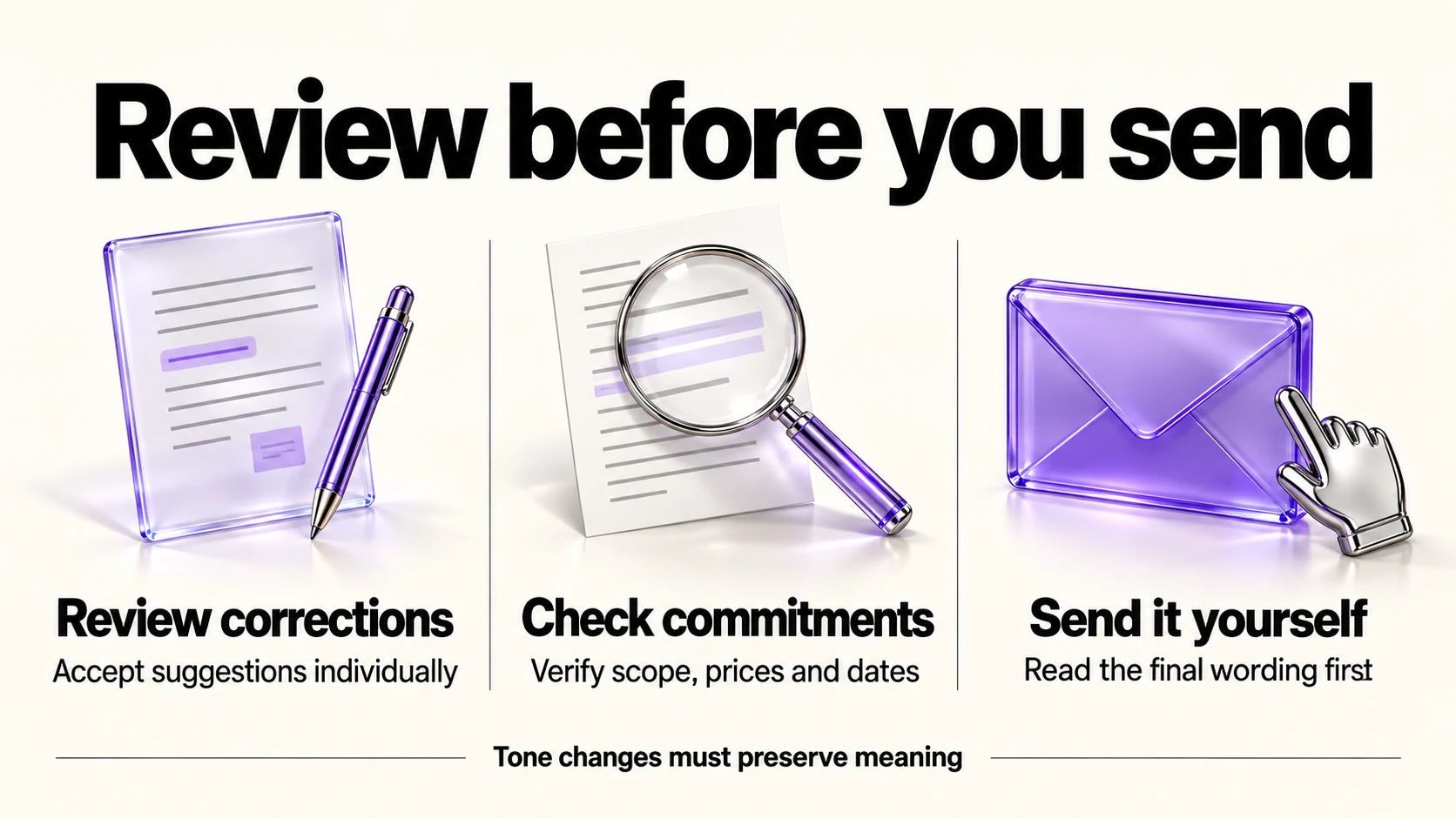
Five minutes is a suggested timebox, not a measured guarantee; take longer when facts or commitments need checking.
- Write the draft yourself, without suggestions on.
- Run the check and review suggested corrections individually before accepting them; save broader rewrites for a second pass.
- Use tone adjustment only on paragraphs with no numbers or commitments.
- Re-read the price, scope and date lines against your source.
- Send from your own hand, not from a generated summary.
Frequently asked questions
Is the free plan enough for a freelancer?
If you mainly want error correction and stay under 100 AI prompts a month, yes. The listed full-sentence rewrite, tone-adjustment and detection features are in Pro; Free’s AI allowance does not make every Pro feature available.
Does Grammarly train on my writing?
Its support article says individual Free, Premium and single-user Pro accounts have Product Improvement and Training on by default and can turn it off in account settings.
Can I use it inside Google Docs and email?
Grammarly distributes browser extensions and apps for that purpose; confirm which surfaces are supported for your device before relying on it, and consider which of them see client data.
Is $12 a month the annual or monthly price?
It is the annual-plan equivalent: US$144 per member paid yearly. Grammarly’s official help lists US$30 per member for monthly billing. These are documented USD rates, not a US checkout observation. Source: Grammarly Pro cost.
Sources and method
Revised September 21, 2026 using the linked official Pro billing article and training-control documentation, alongside the original plan-feature research. The billing article supplies USD144/year versus USD30/month. Official trial guidance says offers are periodic. Prompt counts are plan allowances, not a claim about exact metering for every action. The sending routine and timebox are suggestions.
Read next