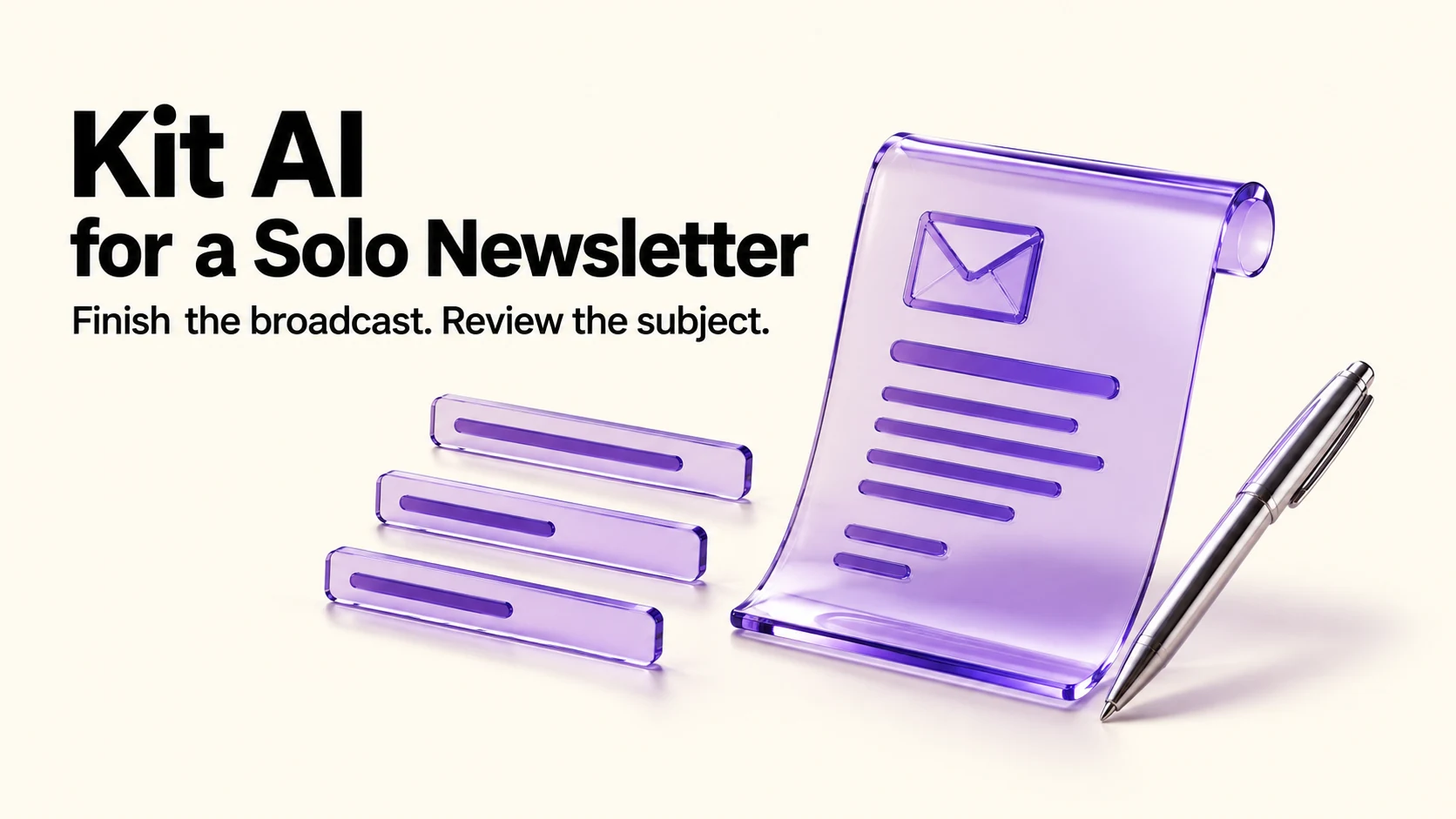
Kit’s AI help for a newsletter is narrower than the category suggests: a subject line generator that reads your finished broadcast and offers five options, free users getting five uses and paid plans unlimited. It works on broadcasts, not sequences. That is genuinely useful at the moment writers stall, and it is not a reason on its own to choose or upgrade an email platform.
Original research dated September 21, 2026; text revised September 21, 2026. Claim-specific rechecks are identified in Sources and method. This article contains no affiliate links.
Who this is for
You write a newsletter alone, the body comes easily enough, and choosing a subject line is where you get stuck.
 Before you buyKit Free vs Creator for a Solo NewsletterKit Free or Creator: when sequences and automations are worth paying for.See the plans →
What Kit’s AI actually does
Kit documents an AI subject line generator. You write the broadcast first, because the generator needs the content for context, then “click the sparkle icon to the right of the subject line field” and it produces “five subject line suggestions based on the email content you’ve written”. Refreshing uses another of the five Free trial turns. You can refresh for new options, and selecting two or more and applying them “will automatically turn on an A/B test for your selected subject lines”. It is “Available for Broadcasts at this time—not Sequences”. On plans, the help page says free users get five uses “to see how it fits your workflow” and paid subscribers have unlimited access. Source: How to use Kit’s AI subject line generator
Kit’s pricing page does not name other AI writing features; it does list Kit MCP on the Creator and Pro plans, which is a connection feature rather than a writing tool. Source: Kit pricing. We are not claiming Kit has AI body-copy generation, because the pages we checked do not say so.
Manual baseline: how subject lines usually get written
Possible approaches include: reuse a format (“Issue 42: …”), describe the content literally, or try a more creative angle. These are illustrative approaches, not findings about most writers or their results. Five generated options give you something to react to, which you may find useful when starting a draft.
Using it without sounding like everyone else
- Write the newsletter first. The generator reads the content, so supply enough content for a relevant brief and check whether the suggestions actually fit.
- Read all five, then write the sixth yourself. The suggestions are raw material; try editing a suggestion and check whether it matches the email.
- Cut curiosity gaps you cannot pay off. If the email does not deliver what the subject promises, the open costs you trust.
- Keep your naming conventions. If readers look for “Issue 42”, the generated line goes after the number, not instead of it.
- Use the A/B test deliberately. The pricing comparison lists two subject lines on Free and Creator, five on Pro. Choose a clear difference to evaluate; a small or noisy test may not establish a reliable winner.
What it will not do
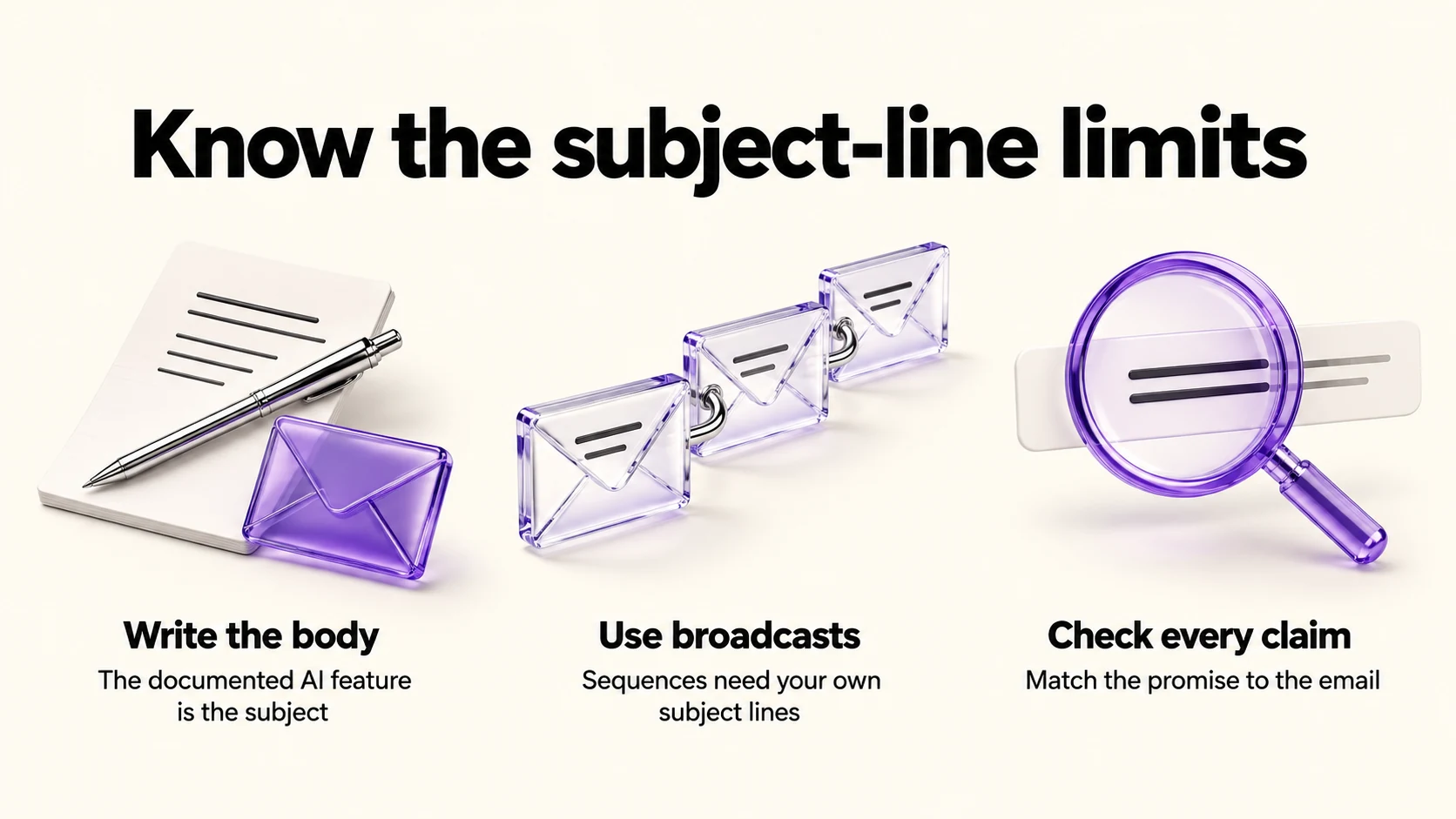
- Write the newsletter. Kit’s documented feature is the subject line.
- Work on sequences. The help page says broadcasts only at this time, so welcome sequences and automations still need your own lines.
- Know your audience. Kit documents using the broadcast content. Do not assume audience-history personalization is used, or that it knows what previously worked for your readers.
- Check facts. A subject line that states a number pulled from your draft is still your claim to verify.
Where the real time goes in a solo newsletter
If you are looking for AI help with a newsletter, compare subject-line effort with topic selection, drafting and maintaining a publishing rhythm. Our guide to repurposing one article into social posts covers reusing what you already publish, and our guide to turning project notes into case studies covers the other direction, using client work as source material. Use either approach only when it suits the material you have permission to adapt.
Cost context
At 1,000 subscribers, the annual billing display shows Creator at $33/month and Pro at $66/month. The actual yearly totals are $390 and $790: monthly equivalents of $32.50 and about $65.83, rounded on the page. These are not verified month-to-month charges. Prices rise with subscriber count. Free supports up to 10,000 subscribers, but the generator’s five trial uses do not renew into unlimited access. Our companion article on Kit Free versus Creator covers the upgrade decision, and our Kit vs Mailchimp comparison covers the platform choice.
A practical routine
- Draft the newsletter and finish it, including the call to action.
- Generate five subject lines and shortlist two.
- Rewrite the shortlisted ones in your own voice.
- Run an A/B test with a specific question in mind, and avoid treating a small difference as conclusive.
- Log which style wins over a few issues, then write more like that without the generator.
Frequently asked questions
Does Kit have AI that writes the whole email?
The pages we checked document a subject line generator. We found no documented AI body-copy feature, and we do not claim one exists.
Is the generator free?
Kit’s help page says free users get five uses and paid subscribers have unlimited access.
Does it work on automated sequences?
No. The help page says it is available for broadcasts at this time, not sequences.
How many suggestions does it give?
Five, with a refresh option for a new set.
Sources and method
Original research: September 21, 2026. Text revision: September 21, 2026. For this revision, Kit pricing was rechecked for billing totals and A/B limits. Generator details are retained from the September 21 review of Kit’s help article, not a new product test. Sources used across the original research and this revision: Kit’s generator help and pricing page linked above. The generator’s broadcast-only scope, trial-use counting and paid access are documented; audience-history personalization was not established. Billing figures are annual totals and their rounded monthly display equivalents, not a US checkout observation. The writing routine is an editorial suggestion.
Read next