Consider four short onboarding emails during the first two weeks, adjusted to the project: confirmation, what I need from you, how we will work, and the first check-in. Draft them once with AI, fill the fixed facts yourself, and adapt them to each client’s agreement. Use the sequence to make inputs and expectations clear; it is not a guarantee that questions will stop.
Original research dated September 21, 2026. Text revised September 21, 2026; Sources and method identifies the specific claims rechecked and any earlier observations retained. This article contains no affiliate links.
Who this is for
You win a project, then spend the first week answering questions about process, access and timing that you have answered for every client before.
Manual baseline: the onboarding you do by accident
An informal onboarding process can become scattered: a “great, let’s start” email, a separate request for account access two days later, a calendar invite with no agenda, and an explanation of your review process only when the client asks for changes at the wrong moment. Nothing is wrong with each piece; the cost is that you rewrite them every time and the client learns your process in fragments.
The four-email sequence
| When | Job | Must contain | |
|---|---|---|---|
| 1. Confirmation | Same day | Make it real | What you are doing, the price, the start date, the deposit if any |
| 2. What I need from you | Day 1 | Unblock the work | A numbered list with a deadline for each item |
| 3. How we will work | Day 2 | Set expectations | Channel for decisions, response times, review rounds, who approves |
| 4. First check-in | Day 7 to 10 | Catch drift early | What is done, what is next, anything you are waiting for |
Drafting them once
Write the sequence as reusable templates with placeholders, not as one-off emails. Replace everything in curly braces before sending.
I am a freelance {role} working with {type of client}.
Write four short onboarding emails as reusable templates with
placeholders in curly braces.

1. Confirmation, same day, under 120 words: what we agreed, start
   date, deposit, and one line on what happens next.
2. What I need from you, day 1, under 150 words: a numbered list of
   inputs with a deadline field for each.
3. How we will work, day 2, under 180 words: decision channel,
   response times, number of review rounds, who approves.
4. First check-in, day 7, under 120 words: done, next, waiting on.

Rules: keep placeholders for every fact, do not invent prices,
dates or guarantees, and write in plain language. Do not ask for
passwords, keys or other secrets; use placeholders for approved
account invitations or secure sharing instructions. Draft only.
Then do the part AI cannot: fill reusable defaults only where they match the particular signed agreement. Review rounds and response times can vary by client; recheck all facts before each use.
The fixed facts you fill in yourself
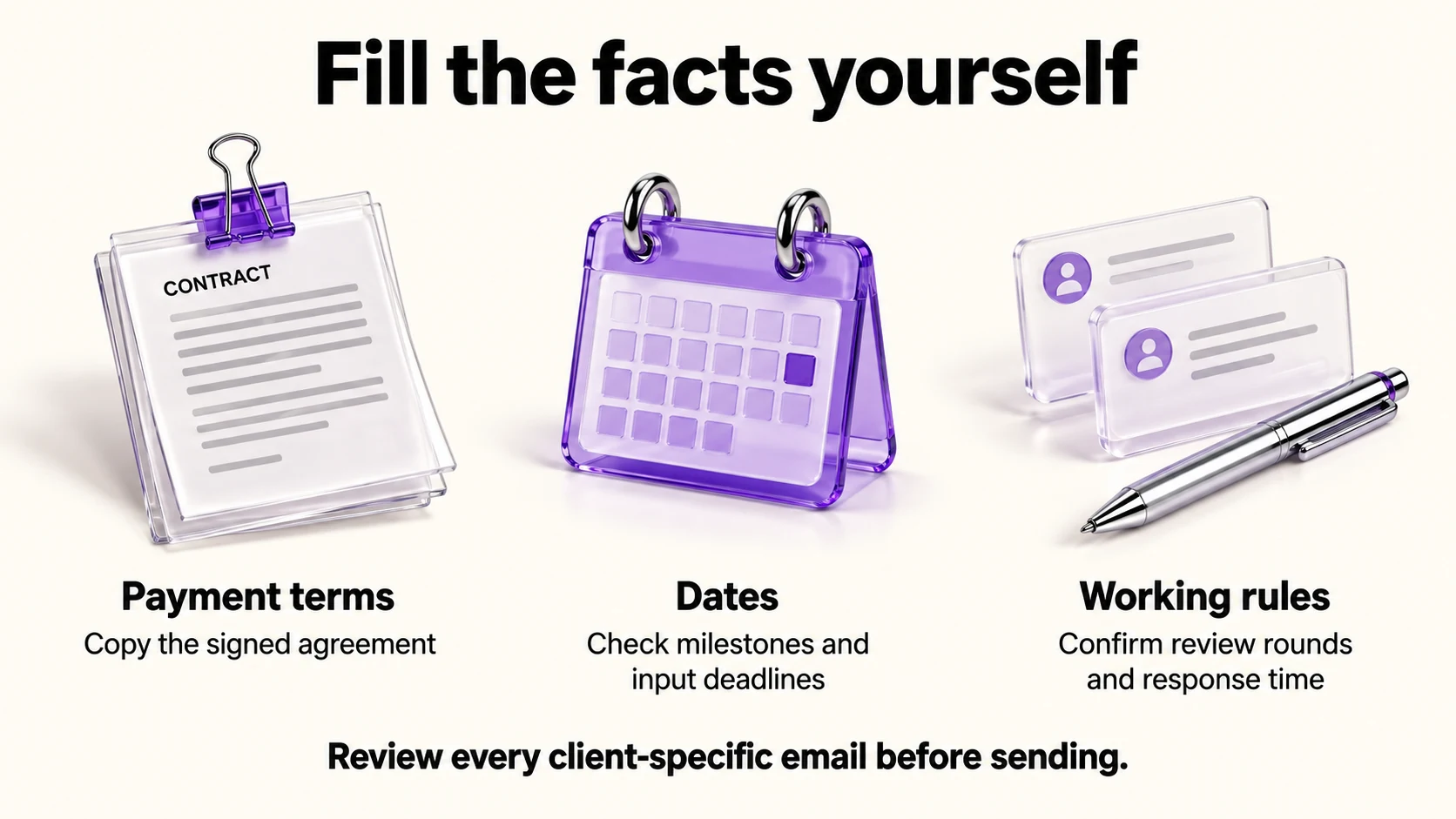
- Price, deposit and payment terms, copied from the signed agreement.
- Dates, including the first milestone and the deadline for each client input.
- Review rounds, stated as a number, because this is where scope creep starts.
- Your response time, which is a promise. Choose one you can keep in a busy week.
Where each email connects to the rest of your setup
Email 1 usually carries a payment link or an invoice; our Stripe Payment Links vs invoicing guide covers which to use for a deposit. Email 2 is easier as a form than a list if you onboard several clients a month, which our Notion client intake forms guide covers. Email 3 often includes a booking link for the kickoff call; our Calendly vs TidyCal comparison covers that choice.
Automating it without sounding automated
- Review all four messages before sending. Send confirmation and progress updates yourself; only schedule other messages once their text and client-specific fields are approved.
- Templates, not campaigns. An onboarding sequence in a marketing tool risks unsubscribe footers and tracking on a transactional email.
- Personalize one line per email, something specific to their project. That is the difference between a system and a form letter.
- Keep the thread. Replying in one thread beats four separate emails for a client who will search for it later.
Before you paste client details
OpenAI documents the “Improve the model for everyone” setting under Settings, then Data Controls, and says Temporary Chats are deleted after 30 days and are not used for training. Source: OpenAI Data Controls FAQ. Anthropic documents a “Model Improvement” setting in Privacy Settings, with Incognito chats excluded. Source: Is my data used for model training?. Google states that Gemini Apps activity is auto-deleted after 18 months by default, that a subset of chats is human-reviewed and kept up to three years, and that chats are kept 72 hours with activity off. Source: Gemini Apps privacy hub
For drafting templates you rarely need real client data at all: write them with placeholders and never paste the signed agreement.
Checking the sequence before its first use
- Read all four in order as if you were the client. Does anything contradict the agreement?
- Count the promises. Response times, review rounds and dates are commitments.
- Remove any sentence that would embarrass you in a dispute.
- Send the sequence to yourself, on a phone, and check the formatting.
- After three clients, revise: the questions that still arrive are the gaps.
Frequently asked questions
Four emails is a lot. Can I send one?
Yes. Combine messages when that makes the next actions clearer for the client, or separate requests with different deadlines.
Should the sequence be automated?
Templates can help with preparation. Approve each client-specific message and its timing before scheduling it; check updates manually when project facts change.
What if the client does not send what I need?
Email 2 has deadlines for exactly this. Follow up once, then say plainly what the delay does to the timeline.
Is this different for retainers?
Email 3 matters more: for ongoing work, the agreement about channels, response times and what counts as in scope is what protects both sides.
Sources and method
Revised September 21, 2026. The linked official data-control pages inform the privacy notes; the four-email sequence, dates and prompt are editorial suggestions. Each reusable default must match the particular agreement, and account access should use invitations or approved secure sharing rather than secrets in email or AI prompts. Recheck complete messages before sending or scheduling.
Read next