Start with ElevenLabs Starter for a small commercial voiceover workload when its credit allowance covers your revisions. Consider Creator when your measured usage, a specific voice-cloning requirement or the higher export bitrate justifies it. Do not choose by finished-video length alone: rejected takes also belong in your production budget. For client work, approve the script and voice permissions before generation, then check every delivered recording yourself.
Documentation checked October 28 to 31, 2026. There are no affiliate links in this article.
| Decision point | Starter | Creator |
|---|---|---|
| Regular monthly price | $6 | $22 |
| Monthly credits | 30,000 | 121,000 |
| Commercial license | Included, subject to terms | Included, subject to terms |
| Voice-cloning distinction | Instant Voice Cloning | Also lists Professional Voice Cloning |
| MP3 export bitrate | Up to 128 kbps from the API; Studio bitrates are listed from Creator upwards | 128 kbps from Studio, up to 192 kbps from the API |
| Practical starting point | Small, controlled workload | More usage or a required Creator feature |
Source: official ElevenLabs pricing, monthly billing view. The recurring prices are $6 a month for Starter and $22 for Creator, and the pricing FAQ repeats them. Read the price block carefully anyway, because the cards sometimes lead with a promotion in large type. In late October 2026 they showed a first-month offer of $1 on Starter, labelled “83% off”, and $11 on Creator, labelled “50% off”, with a note on October 29 reading “Until Nov 1”. If the figure in large type differs from $6 or $22 when you look, check whether it is a first-month price before you compare plans. The page also states that prices “exclude all taxes, levies and duties”. This guide excludes introductory discounts from the buying decision.
On currency, ElevenLabs’ billing documentation is explicit that India is the exception and that “Customers in all other countries will continue to be charged in USD”, which is as far as a document can take you; your own total, with tax, is still yours to confirm at checkout. Source: Billing
Annual billing changes the comparison. The pricing FAQ describes annual billing as two months free, with equivalent monthly figures of $5 for Starter and $18.33 for Creator. Over twelve months that is $60 against $220 by arithmetic, so the gap between the two plans is roughly $160 a year rather than $16 a month. The next tier up, Pro, was displayed at $99 a month with 600,000 credits, an equivalent $82.50 on annual billing. Knowing that ceiling helps: if your workload is heading past Creator, the step after it is substantial, which is an argument for measuring usage before committing to any annual term.
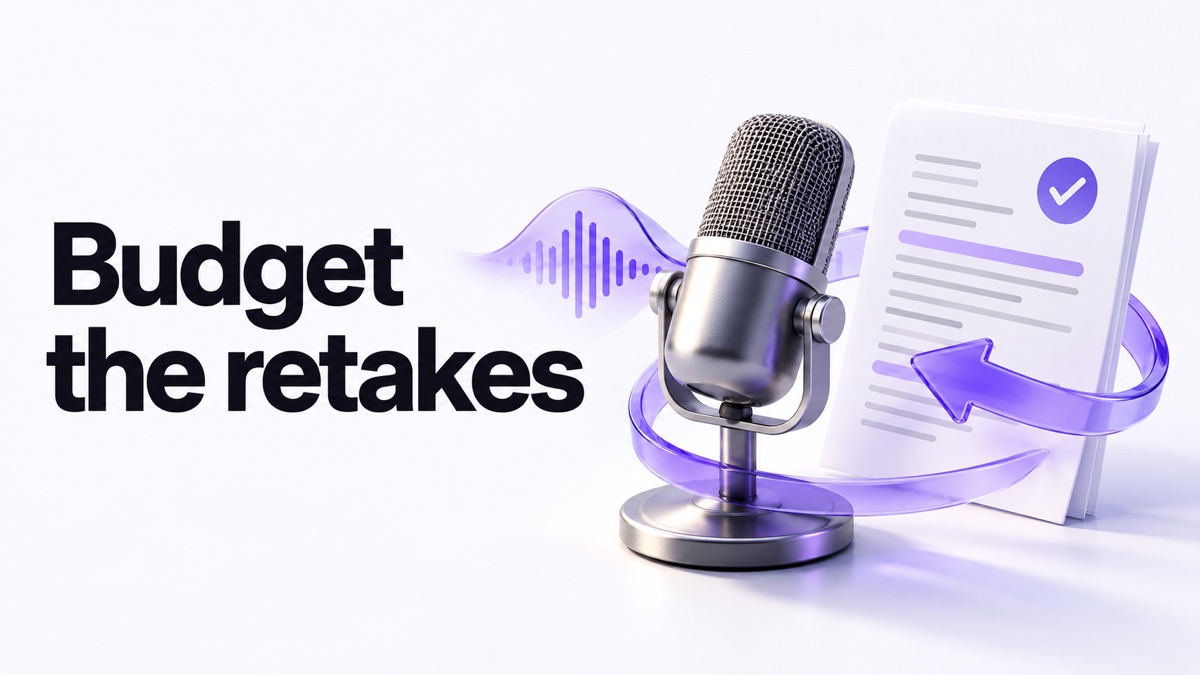
Budget revisions before you budget minutes
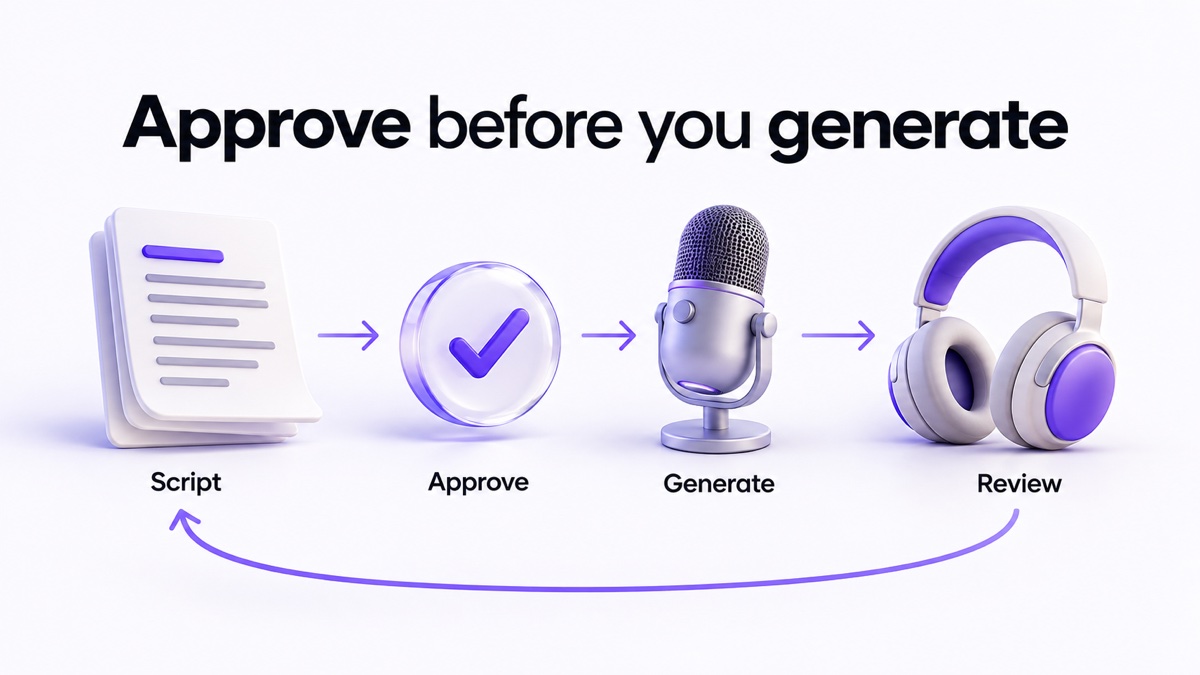
A freelance video editor may receive a nearly final script, generate a narration and then learn that the client has changed a product name. The resulting rework is part of the job. Counting only the approved recording understates the production workload.
Here is a planning exercise, not a product test. Four scripts of 1,800 characters each, generated in full three times, involve 21,600 submitted characters. The pricing FAQ states that for V2 Multilingual models one text character equals one credit, so on that model the exercise consumes about 21,600 credits, which is most of Starter’s 30,000 monthly allowance and a small share of Creator’s 121,000. The same FAQ says some Flash, Turbo and v2.5 models cost between 0.5 and 1 credit per character for API usage, and the text-to-speech documentation describes Flash v2.5 only in relative terms, as a “50% lower price per character for API generations”. So the rate depends on the model you select, and the official pages we checked do not publish a single table of per-character credit costs for every model. Confirm the rate for the model you actually use before planning a month around it.
Keep a small worksheet with script length, model, generation attempts, actual credits used and the reason for each revision. Separate a pronunciation correction from a client rewrite. After a representative project, you can decide whether the allowance fits without pretending that every credit converts into the same amount of finished audio.
Export quality depends on the route, not just the plan
This is the detail plan comparisons most often get wrong. ElevenLabs documents MP3 bitrates per tier separately for Studio exports and for API output, so the same subscription can give you two different ceilings depending on how you generate the file.
| Route | 128 kbps | 192 kbps |
|---|---|---|
| Studio export | Creator | Pro, Scale, Business |
| API output | Free, Starter | Creator, Pro, Scale, Business |
Source: What audio formats do you support?. In practice: if you work in Studio and deliver the export, Creator gives you 128 kbps and 192 kbps starts at Pro. If you generate through the API, Creator is the tier where 192 kbps becomes available, and the page lists Studio bitrates only from Creator upwards. The same page lists WAV at 44.1kHz for Pro and above, and PCM at 44.1kHz for the same tiers, so a client who specifies an uncompressed master is asking for a higher plan than a client who accepts an MP3. This is the documented entitlement rather than a listening comparison, and bitrate is a file property, not a measure of how a voice sounds.
What Starter does well, and where it can fall short
Starter is the reasonable first candidate when the job is occasional, the script is approved and you do not need a Creator-specific feature. Its lower recurring commitment makes a small production experiment easier to evaluate. That recommendation depends on the workload, not on an assumption that cheaper audio sounds worse.
The limitation is headroom. If a client regularly changes scripts after generation, a small allowance can become awkward even when the finished clips are short. Solve the approval process before assuming a higher plan is the only answer. Do not promise unlimited revisions in a fixed-price project without defining what those revisions include.
When Creator deserves consideration
Creator becomes a stronger candidate when a usage log shows the smaller allowance is inadequate, when the required feature is available only on the higher plan, or when you deliver API-generated files and the 192 kbps ceiling matters to the client. More available generation does not guarantee better pronunciation, fewer edits or happier clients.
Before upgrading for cloning, verify the product’s current verification requirements and whether the intended voice is eligible. Permission to use a recording does not automatically establish permission to create a reusable voice clone. If the customer only needs a clear explanation, an appropriate licensed stock voice or a human recording may be sufficient.
A client approval workflow that prevents avoidable rework
- Agree on scope. Specify audience, language, delivery format, intended use and allowed revision rounds. Identify sensitive or confidential material.
- Approve the input. Have the client confirm the factual script, names, numbers and pronunciations. Remove private data that is unnecessary for narration.
- Confirm permissions. Check the script, voice, music and other assets separately. Do not treat the software subscription as permission to use someone else’s identity.
- Generate a short sample. Ask for approval of tone and pronunciation before producing the full piece. This is a proposed workflow, not a claim about measured savings.
- Review the complete output. Listen against the approved script, including dates, prices, negatives and the final sentence. Keep corrections distinct from new creative requests.
- Deliver and retain deliberately. Record the approved version and where it may be used. Agree on storage and deletion arrangements rather than leaving client files indefinitely.
If the same project also needs written social posts, use our article-to-social workflow to keep the underlying claims consistent across formats.
Commercial rights are part of the decision
ElevenLabs’ publishing guidance says paid-plan output can be used commercially subject to its terms, with restrictions including Beta services. Free-plan output is not covered for commercial use, and upgrading later does not retroactively license earlier free output. The Starter card lists a commercial license, so the licence is not the reason to move up a tier. Check applicable service terms and rights in your inputs before delivering work.
Frequently asked questions
Can I compare plans using a fixed minutes-per-credit figure?
Not reliably across every model and tool. Character-based rates are documented for V2 Multilingual at one credit per character, while other models vary. Use the applicable rate and your actual generation log. Final runtime alone omits discarded takes.
Is the higher audio bitrate a reason to pick Creator?
It can be, but only if you deliver API-generated files. The audio-formats page lists 192 kbps MP3 from the API for Creator and above, while Studio exports reach 192 kbps only from Pro upwards, with Creator at 128 kbps. Decide by the route you actually use, and check the current page before buying for this reason alone.
What currency will I be charged?
The billing documentation says customers in India can pay in Indian Rupees and that customers in all other countries continue to be charged in USD. Prices on the pricing page exclude taxes, levies and duties.
Is Creator necessary for every paid client project?
No. Commercial licensing and capacity are separate questions. A small permitted project may fit Starter; a large revision-heavy job may not.
Does a larger plan replace final listening?
No. Plan capacity says nothing about the accuracy of a particular name, amount or instruction in your recording.
Best for your situation
| Situation | Decision |
|---|---|
| Occasional narration with a locked script | Evaluate Starter against actual credit usage |
| Recurring production exceeding that allowance | Compare Creator’s full recurring cost and needed features |
| A client who specifies 192 kbps MP3 or an uncompressed master | Check the route first: API output reaches 192 kbps on Creator, Studio and WAV from Pro |
| Unclear voice permissions or confidential input restrictions | Resolve those conditions before generating |
Sources and method
Our sources are the official pricing page and its FAQ, the billing documentation, the audio-formats documentation and the publishing guidance linked above, read October 29, 2026, with the first reading of the pricing page and publishing guidance on October 28, 2026 and a re-check of the pricing page on October 31, 2026. The first-month offer is reported as observed in late October; it is time-limited and is not used in any comparison here. This is documentary research with an illustrative arithmetic exercise. No claim here is a quality comparison: the bitrate table is a documented entitlement by tier and route. The amount a United States checkout would charge including tax, the per-character credit rate of every other model, and whether a subscribed account in practice receives the listed bitrate remain unverified.
Read next