Canva’s AI tools can support recurring solo marketing when you separate copy, layout and image generation. Usage limits depend on the tool and plan: regular Magic Write does not consume the shared monthly allowance on most paid plans, while Premium and Ultra tools do. Start with one approved brief, check your remaining allowance before generating, and have a person review the brand, facts and rights before export.
Editorial research checked September 17, 2026 against Canva’s own Help Center and pricing pages. Every capability, limit and price below is Canva’s stated behavior. This article contains no affiliate links.
The outsourcing and manual baseline
Before AI tools, a solo business making recurring social graphics has three options: pay a freelance designer per asset, learn a design tool and build every post by hand, or reuse the same two templates until they go stale. All three cost either money or time on every single post. Canva’s AI features are pitched at a fourth option: draft the copy, generate a starting layout or image, and still finish the piece yourself. The rest of this article treats that fourth option as a workflow with real limits, not a replacement for a designer’s judgment.
Build one reusable brief before you open Canva
Write a short brief you reuse for every asset in a campaign, so each piece stays consistent instead of drifting with whatever the AI proposes that day: the platform and exact dimensions, the offer or message in one sentence, the audience, the tone, any words or claims that must not change, and which brand assets (logo, colors, fonts) it must use. Keep it outside Canva in a plain document so you are not retyping it into every prompt from memory.
What Magic Write, Magic Design and Magic Media each actually do
| Tool | What Canva says it does | What it touches |
|---|---|---|
| Magic Write | “An AI-enabled writing assistant that empowers anyone to quickly create written content,” with a 1,500-word input limit and “around a 2000-word output limit,” supporting 103 languages. | Copy only: captions, headlines, short body text. |
| Magic Design | Lets you “create personalized designs quickly” for “a social media post, presentation, or video,” and can “upload media to inspire your design” or pull from “Brand Hub to incorporate your brand’s styles.” | Layout and starting templates, optionally seeded by your own image or brand kit. |
| Magic Media | “Generate unique images, graphics, or videos by describing what you want to see, then choose your preferred style and size”; generated videos are “4 seconds long.” | New image, graphic, or short video assets from a text description. |
Treat them as three separate steps in one workflow, not interchangeable buttons: write the words with Magic Write, lay the page out with Magic Design (feeding it your own photo or Brand Hub styles where you can), and only reach for Magic Media when you need an image you do not have and cannot photograph. Source: About Magic Write, Source: Using Magic Design, Source: Using Magic Media. If Magic Write’s drafts need heavier editing than a caption, our Jasper vs Copy.ai comparison covers dedicated AI writing tools built for longer copy.
Iterate inside your allowance, not past it
Canva separates AI design tools from tools that consume a shared allowance. On paid plans other than Pro Lite, regular Magic Write does not draw from the shared monthly allowance, subject to fair-use limits. Standard tools consume allowance on Free and Pro Lite; Premium and Ultra tools share a plan-dependent allowance. Do not confuse regular Magic Write with the separately listed Magic Write for SEO. The plan limits below are upper estimates, not guaranteed generation counts.
| Plan | Standard AI tools | Premium / Ultra allowance | Reset |
|---|---|---|---|
| Free / Pro Lite | Shares one pool with Premium/Ultra | “Up to 20 uses of Standard AI tools, OR Premium AI tools. No access to Ultra AI tools.” | “12:00 a.m. UTC on the first of each month” |
| Pro | “Does not draw from AI allowance” | “Up to 200 uses for Premium AI tools, OR up to 20 uses for Ultra AI tools” | On your billing date |
| Business | “Use as much as you like” | “Up to 400 uses for Premium AI tools, OR up to 40 uses for Ultra AI tools” | On your billing date |
Check the specific tool and your account’s remaining allowance before generating. Do not assume regular Magic Write competes with Premium or Ultra generation on Pro. Actual consumption varies with the tool and task complexity; advanced work may use the allowance faster than the headline counts suggest. Source: AI access and usage limits.
Logo and brand checks before anything ships
- Pull from Brand Hub, don’t redraw the logo. Magic Design can incorporate saved brand styles; typing a text description of your own logo into Magic Media instead risks a distorted, off-brand result.
- Check every generated asset against the brief. Colors, claim wording, and any words that must not change.
- Look for accidental references to other brands or people. Canva’s own guidance: “Don’t reference known brands, characters, or people in your prompts (unless you have express permission),” and using a recognizable person’s photo requires their permission. Source: Using Magic Studio safely and legally.
Rights, ownership and privacy limits
Canva states: “As between you and Canva, to the extent permitted by law, you own the AI-created content you create,” but adds that “many jurisdictions (including the US) do not give copyright protection to AI-created works” — which can limit your ability to stop a competitor from using visually similar output. Canva also warns that AI-generated marks make weak trademark candidates, since “other users may use similar prompts to you that result in similar outputs,” and recommends a trademark attorney before registering one. For Magic Media specifically, ownership is conditional: “You own what you create with Magic Media, as long as you follow our Terms of Use,” and “copyright laws for AI-generated content vary by country, and you may not have exclusive rights.” None of the pages checked for this article describe whether prompts or uploaded brand assets are used to train Canva’s models — that is unresolved here, so do not upload unpublished client material or a not-yet-announced product image without checking Canva’s privacy policy directly first. Source: Using Magic Studio safely and legally, Source: Using Magic Media.
What it costs, against the outsourcing baseline
| Plan | Price shown | AI allowance |
|---|---|---|
| Free | US$0/year, one person | 20 combined Standard/Premium uses per month |
| Pro | US$144/year for one person if billed annually; a monthly-billing option exists but its exact monthly figure was not captured in this check — confirm at checkout | Up to 200 Premium or up to 20 Ultra uses per billing cycle; actual usage varies |
| Business | US$250/year per person if billed annually; monthly billing also offered, exact monthly figure not captured here | Up to 400 Premium or up to 40 Ultra uses per billing cycle; actual usage varies |
The annual prices are billed on an annual basis; dividing by twelve gives a budgeting equivalent, not a monthly subscription price. Whether Pro is sufficient depends on the tools, task complexity and iteration volume. Compare subscription costs plus your editing time against your own outsourcing quote, and check the actual monthly-billing price before choosing. Source: Canva pricing.
The required human approval gate
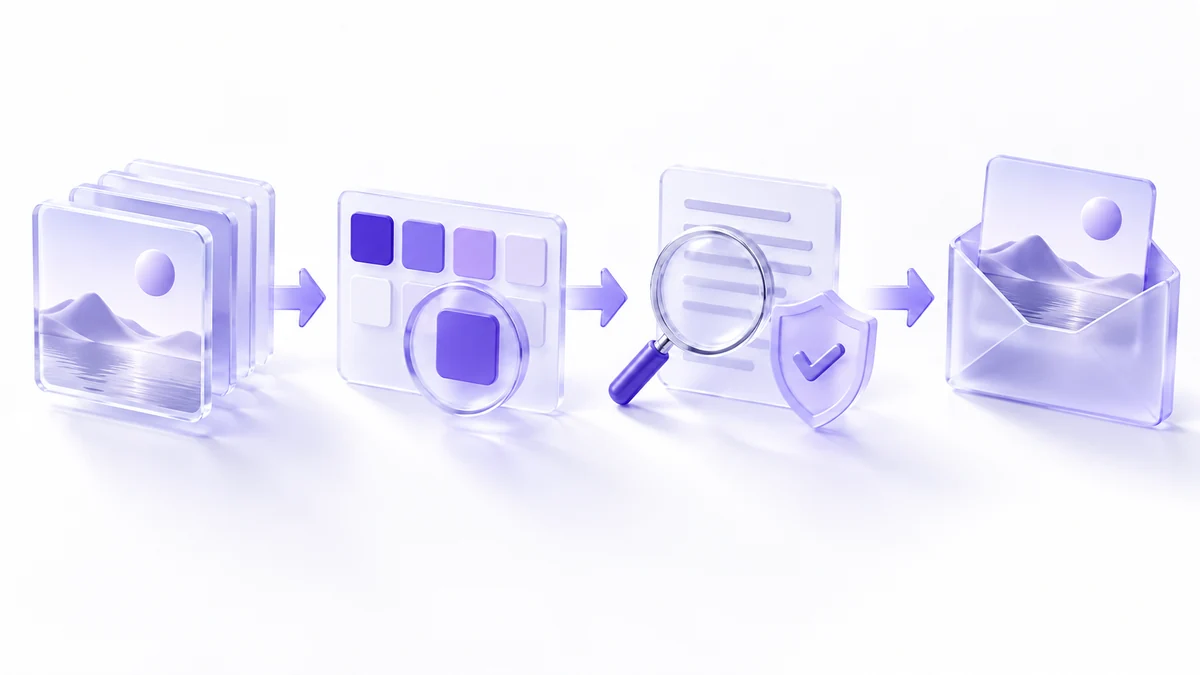
- Every generated asset is checked against the written brief: message, claims, required wording.
- Brand elements (logo, colors, fonts) came from Brand Hub or your own files, not a text-described reconstruction.
- No recognizable person appears without their permission, and no other brand’s name, logo or character is referenced.
- Anything intended to function as a trademark is flagged for legal review before use, per Canva’s own caution about AI-output uniqueness.
- Unpublished client or product information was not typed into a prompt or upload without checking Canva’s data-handling terms first.
- A person, not the AI tool, signs off before the asset is scheduled or sent to a client.
Canva’s own guidance backs this up directly: “It’s crucial to review the content you generate,” and “you are ultimately responsible for the content you create.” Treat that as the last step of the workflow, not an optional one.
Frequently asked questions
Do Magic Write, Magic Design and Magic Media share one usage limit?
Premium and Ultra AI tools share one allowance per plan. Some Standard AI tools do not draw from that allowance on paid plans, so check which tier a specific feature falls under.
Do I own what Canva AI generates for me?
Canva says you own AI-created content “to the extent permitted by law,” but notes many jurisdictions do not give copyright protection to AI-created works, and that AI output may be a weak trademark candidate.
Can I use a real person’s photo with Magic Media or Magic Design?
Only with their permission. Canva’s guidance says not to reference known brands, characters or people in prompts without express permission.
Is Canva’s Pro plan really $12 a month?
Canva’s pricing page states $144/year for one person on Pro and marks annual billing as saving “from 16%” versus monthly, meaning the standalone monthly price is higher than $144 divided by twelve. Read the exact monthly figure at checkout.
What plan do I need for heavier AI use?
Canva lists upper estimates of 200 Premium or 20 Ultra uses on Pro, and 400 Premium or 40 Ultra uses on Business, per billing cycle. These are alternatives drawing on a shared allowance, not separate quotas to add together. Actual counts depend on the tool and task complexity; regular Magic Write is treated separately on most paid plans.
Sources and method
Capabilities and ownership language were checked on September 17, 2026; allowances and annual prices were rechecked on September 18, 2026 against Canva’s Help Center and pricing pages linked beside each claim. The monthly (as opposed to annual) price for Pro and Business was not captured in this retrieval and is flagged above rather than estimated. Whether prompts or uploads are used for model training was not addressed on the pages checked. Plans, allowances and prices change; verify your own account and Canva’s current terms before committing brand material to the workflow.
Read next