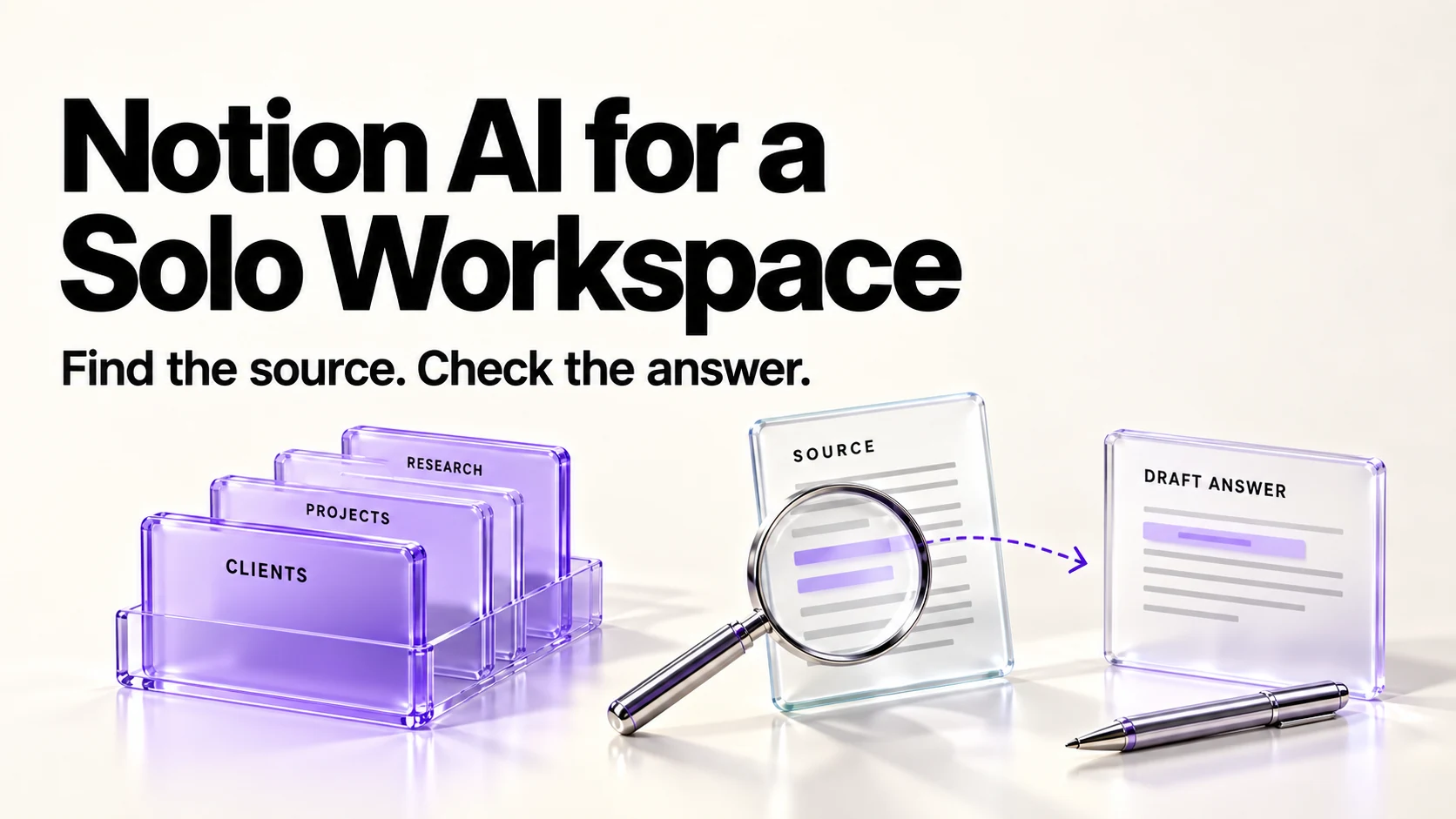
Notion AI is useful in a one-person client workspace for finding and summarizing what you already wrote, not for deciding anything a client will read. Free and Plus offer a limited AI trial, not an ongoing allowance; Business includes the Notion Agent, meeting notes and enterprise search at $20 per member a month billed annually. Keep client records in Notion, check every AI answer against the page it came from, and read your data terms before uploading contracts.
Original research dated September 20, 2026. Text revised September 21, 2026; Sources and method identifies the specific claims rechecked and any earlier observations retained. This article contains no affiliate links.
Who this is for
You run a business alone, keep client records in Notion, and want to stop re-reading old pages to answer “what did we agree in June?” This article covers what Notion’s AI features do in that setup, which plan each one needs, what they cost for one person, and where a human check is required.
 Before you buyNotion Free vs Plus for a Solo BusinessWhen a one-person business should leave Notion Free, and what Plus does not change.See the plans →
Manual baseline: what this replaces
Without AI, answering a client question usually means opening the client’s page, scrolling the meeting log, searching for a keyword you hope you used, and re-reading a proposal to confirm a number. The time depends on your records; the risk is answering from memory instead of from the page.
What Notion’s AI features are, by plan

Notion’s pricing page lists the AI features as a group. On the plan comparison table rechecked September 21, 2026, the Notion Agent row covers chat, generation, autofill and translation; meeting notes, enterprise search and research mode appear as separate rows. Free and Plus offer limited trials of Agent, meeting notes and research mode; Business and Enterprise include these capabilities. A trial is not a replenishing free allowance. Source: Notion pricing
| Plan | Billed annually | Billed monthly | AI in the plan |
|---|---|---|---|
| Free | $0 | $0 | Limited trial of the Notion Agent |
| Plus | $10 | $12 | Limited trial of the Notion Agent |
| Business | $20 | $24 | Notion Agent, AI meeting notes, enterprise search in beta |
| Enterprise | Custom | Custom | Everything above, plus default zero retention with model providers, subject to the exceptions below |
Notion also sells custom agents as an add-on. Its pricing page describes a free trial and then a charge of “$10 per 1,000 monthly Notion credits”. If you plan to let an agent run repeated tasks, treat that as a separate, usage-based cost rather than part of your seat price.
The three jobs worth using it for
1. Answering questions from your own pages
The Notion Agent can chat with your workspace content. For a solo business, the useful pattern is a question you would otherwise answer by scrolling: what the agreed scope for a client was, when you last raised your rate, which projects are unfinished. Ask the question, then open the page it points to and read the original line before you repeat it to a client.
2. Drafting from material you already have
Notion’s own guide lists summarizing existing content, brainstorming, writing a rough draft, fixing spelling and grammar, and translating content. Source: Using Notion AI. That is a reasonable fit for a project recap or a first draft of a client update built from your notes page.
3. Filling in database properties
Autofill is listed as part of the Agent row on the pricing page. In a client database, that can mean a one-line summary property for each project. Keep autofilled fields out of anything contractual: a summary property is a convenience, not a record.
What Notion says about your data
Notion says that by default it and its AI subprocessors do not train models on customer data. Its default LLM-provider retention is zero for Enterprise and 30 days or fewer for other plans. Admin-enabled models that require data retention are exceptions; External Agents have separate data handling. These are provider-processing terms, not a promise that workspace records are deleted. Source: Notion AI security and privacy practices
- Check your client agreements before putting contracts, financial records or personal data about a client’s customers into a workspace where AI features are on.
- Get consent before transcribing a call. Explain that Notion and its providers will process the meeting, obtain every participant’s agreement, and follow client policy. Source: AI Meeting Notes consent guidance
- Workspace settings matter. Notion documents settings for web search and for requiring confirmation before an AI request reaches an external website.
- Notion warns about accuracy. Its guide says AI output may be incorrect or biased, and may be unaware of recent events. Treat answers as pointers to your own pages.
A workspace layout that makes AI answers checkable
The quality of an AI answer depends on what it can read. For a one-person client workspace:
- One database for clients, one page per client, with the agreed scope and rate in named properties rather than buried in prose.
- One meeting log per client, each entry dated in the title, so a summary can cite a date.
- Decisions written as decisions. An illustrative note such as “Agreed on 12 June: three revisions included” is easier to locate and verify than an unstructured thread.
- Archive old versions instead of deleting them, so a question about last year’s rate still has a source.
- Keep confidential files out of the workspace if your contract requires it, whatever the AI settings say.
If your client records are not in Notion yet, our Notion vs Airtable comparison covers which tool suits your kind of records, and our Notion client intake forms guide covers capturing new work.
The human check that stays yours
- Open the source page for any figure, date or commitment before repeating it.
- Read AI-written client updates end to end; check names, dates and amounts.
- Do not let an autofilled summary become the only record of a decision.
- Re-check plan limits before you rely on a feature for paid work.
Is it worth $20 a month for one person?
For a solo business, the decision is mostly about meeting notes and search. If most client conversations happen in calls and you would otherwise type notes by hand, Business includes AI meeting notes beyond the Free/Plus trial. If your Notion is mainly a written workspace and you only want drafting help, the limited trial on Free or Plus lets you assess whether the answers are actually useful to you before you pay $120 a year extra, going from Plus at $10 to Business at $20 per month billed annually.
Frequently asked questions
Is Notion AI included in the Plus plan?
Free and Plus offer a limited Notion Agent trial; Business includes it beyond the trial. Custom Agents remain separately metered. Check the current table before subscribing, because Notion has changed how AI is packaged more than once.
Does Notion train models on my workspace?
Notion states that by default it and its AI subprocessors do not use customer data to train models.
How long is my data kept by the model providers?
The default LLM-provider terms are zero retention for Enterprise and 30 days or fewer for other plans. Enabled data-retaining models are exceptions, and External Agents have separate terms; check the security page and your settings.
Can I use AI meeting notes on Plus?
Meeting notes have a limited trial on Free and Plus and are included on Business. Obtain participant consent before transcribing. Confirm in your own workspace before scheduling a client call around it.
Sources and method
Revised September 21, 2026 through desk research: Notion’s linked pricing, AI security and meeting-notes documentation support the trial, consent, retention and credit distinctions. USD seat prices retain the original September 20 pricing-page observation. Capability descriptions also draw on the linked Notion AI guide. The layout and checks are editorial suggestions. Confirm current local billing and client permissions before subscribing or uploading material.
Read next