Google Voice Starter suits a solo business that needs a separate number, forwarding and voicemail transcription. Standard can justify its extra US$10 a month even without employees: standalone Standard adds auto attendants and AI note-taking, while Workspace Standard adds team routing and other business controls. Choose by the feature you need and your account eligibility, not headcount alone.
Editorial research checked September 17, 2026 against Google’s Voice product page and Google Workspace’s admin knowledge base. Plan features, prices and geographic distinctions were rechecked September 21, 2026. This is a documentation-based comparison; no Voice number was purchased, upgraded or ported for this article. This article contains no affiliate links.
The personal-number baseline
Before any paid plan, a one-person business typically runs on a personal cell number, sometimes with a call-forwarding trick layered on top. That works until the number needs to survive a phone upgrade, a lost SIM, or simply needs to look like a business line instead of a personal one. Google Voice’s baseline fix for that is a number that lives with your Google account rather than a device.
Two different starting points: standalone or Workspace add-on
Most third-party comparisons treat Google Voice as one product with one price list. It is actually two separate purchase paths, and they are not interchangeable:
- Standalone (no Workspace account needed). Google documents Free, Starter and Standard standalone tiers for personal Gmail users, explicitly restricted: not available to a “non-Gmail email address,” anyone “under the age of 18,” or an existing “Google Workspace Individual” subscriber. These plans are “US only” and cap at “Maximum number of users: 1” — built for exactly one person, not a team. Source: Google Voice standalone plans.
- Workspace add-on. If you already run Google Workspace, Voice can be added at the same list prices, but with a wider footprint: business plans are “Available in 14 countries,” and Standard opens up to an “unlimited number of users.” Source: Google Voice.
For an eligible US-based personal Gmail user, standalone avoids an underlying Workspace subscription. Overseas clients alone do not rule it out: both paid standalone tiers support international calling at applicable rates. If you already use a business Workspace account or need multiple users, compare the add-on route, its supported markets and the base subscription cost. Our Google Workspace flexible vs. annual cost guide explains that separate billing commitment.
Starter vs. Standard: cost table
| Plan | Price | Users | What it adds |
|---|---|---|---|
| Standalone Free | No charge | 1 (US only) | Basic calling; no call recording |
| Standalone Starter | $10/month | 1 (US only) | Call recording, per the standalone plan comparison |
| Standalone Standard | $20/month | 1 (US only) | Adds auto attendants and AI note-taking; no ring groups or automatic call recording |
| Add-on Starter | $10 USD/user/month | Up to 10, 14 countries | Single number, forwarding, domestic/regional calling, US texting, voicemail transcription, three-way calling, basic recording and AI note-taking |
| Add-on Standard | $20 USD/user/month | Unlimited, 14 countries | Adds auto attendants, ring groups, call delegation and queuing, eDiscovery and SIP Link; basic recording is also on Starter |
| Add-on Premier | $30 USD/user/month | Unlimited, wider international billing | Adds automatic call recording, Google Vault, BigQuery reporting, numbers outside your home country |
For one person needing only forwarding and voicemail, either paid Starter route lists at US$10/month. Standalone does not require Workspace; the add-on does. Standalone Standard adds auto attendants and AI note-taking, while ring groups require Workspace Standard or Premier. International call charges depend on the origin and destination. Source: Google subscription matrix.
Call forwarding
Call forwarding to your existing phone is part of the base Starter feature set on Google’s own product page: “a single phone number for all your devices with call forwarding.” Source: Google Voice. You do not need Standard to have your business number ring through to your personal phone.
Voicemail
Voicemail transcription is included from Starter up, on both the standalone and add-on paths, per the same product page. Neither of the two knowledge-base pages read for this article documents a difference in voicemail behavior between Starter and Standard beyond what’s already listed in the cost table above — treat voicemail as a solved problem at the Starter tier.
Auto attendants and ring groups
Auto attendants are available on standalone Standard and on Workspace Standard and Premier; ring groups and call delegation are Workspace Standard/Premier features. Source: Compare Voice subscriptions. A solo owner may use an attendant for opening-hours messages, announcements or menu choices. A contractor joining the business is a reason to examine ring groups, but not every second user needs routing. Upgrade only when a documented feature solves your actual call-handling need.
Portability and country limits
Standalone is for eligible US users with personal Gmail accounts and US numbers. A US-based owner can still call overseas clients at applicable international rates. Source: Standalone eligibility. Google lists local-number availability in 14 countries/regions for Workspace add-ons, and Premier supports additional numbers outside the home country within supported markets. This does not mean every non-US business can buy a local Google Voice number. Check the current market list and whether a supported SIP Link arrangement with a carrier is required; SIP Link is not the same as Google-provided local-number availability. For example, Canada and the UK appear in Google’s first-party country list, while Australia is listed for SIP Link subscriptions using carrier numbers. Source: Supported countries and SIP Link rules. Source: Voice subscription matrix.
Upgrading an add-on subscription is also an all-or-nothing move across every licensed user, not a per-person toggle: “When you upgrade, everyone with a Voice license gets the same subscription. For example, you can’t upgrade some users to Google Voice Premier while others keep using Google Voice Standard.” Source: Upgrade your Voice add-on subscription. For a true one-person business this doesn’t bite yet, but it’s worth knowing before you add a second license: you can’t keep yourself on Standard while trying Premier on a new hire.
Privacy
The comparison pages read for this article do not establish a complete retention or third-party-access policy for Voice calls, recordings or transcripts; they mainly name the features (call recording, eDiscovery on Standard/Premier, Google Vault on Premier). If retention and access policy for recorded calls and voicemail transcripts matters to your business — for example, calls with clients under confidentiality terms — confirm the specifics in Google’s Workspace privacy documentation before recording calls by default, rather than assuming a policy this article did not verify.
Decision cases
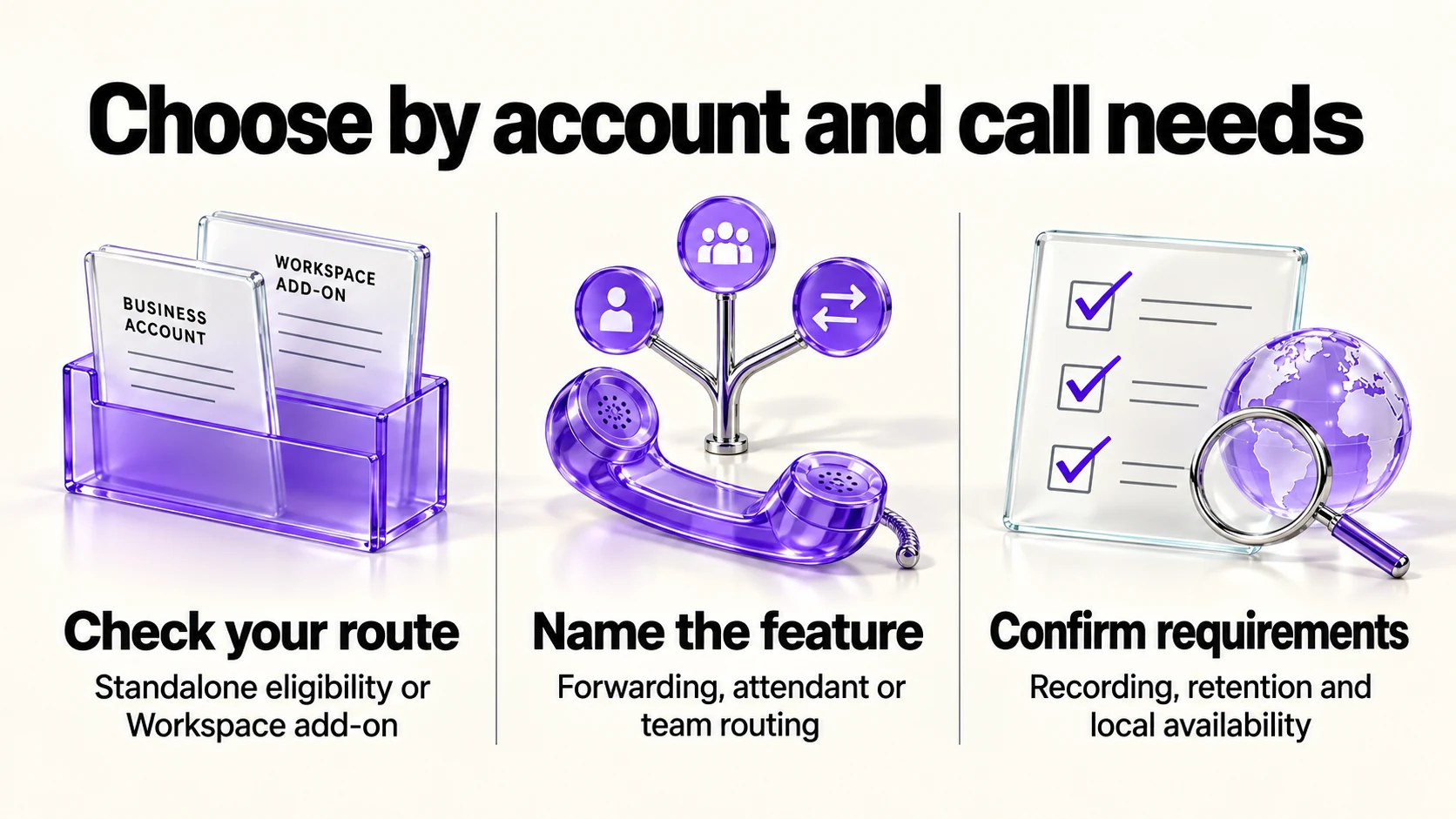
- Solo, US-based, no plan to hire soon. Choose standalone Starter (US$10/month), or add-on Starter if you already use Workspace, for basic phone needs. Consider standalone Standard if an auto attendant or AI note-taking is useful now.
- US-based with overseas clients, or based outside the US. These are different cases. Overseas clients do not disqualify an eligible US standalone subscriber; check international rates. A non-US subscriber should check Workspace local-number markets and any applicable SIP Link requirements before assuming Voice is available.
- About to add a contractor or second line that needs its own routing. Consider add-on Standard if you need ring groups or call delegation. A second user alone does not require Standard, and any add-on upgrade applies to every licensed user at once.
- You need recording or retention controls. Basic call recording is already listed on paid Starter. Automatic recording requires add-on Premier; Google lists eDiscovery on add-on Standard/Premier and Vault on Premier. Confirm the exact recording and retention requirement before choosing a tier; a feature name alone does not establish compliance.
Frequently asked questions
Do I need Google Workspace to get a Google Voice number?
No. Google documents standalone Starter and Standard plans for personal Gmail accounts that don’t require a Workspace subscription — but they’re US-only and limited to one user.
Does Starter include call forwarding?
Yes. Google’s product page lists call forwarding as part of the base Starter feature set, on both standalone and add-on paths.
Which features can justify Standard for a solo business?
Standalone Standard adds auto attendants and AI note-taking. Workspace Standard adds auto attendants, ring groups and other business controls such as SIP Link. An attendant can be useful even if only you answer calls. Basic recording, forwarding and voicemail transcription do not by themselves require Standard.
Can I put one team member on Premier and keep myself on Standard?
No, for add-on subscriptions. Google states that upgrading applies the same subscription to everyone with a Voice license.
Sources and method
The original comparison was researched September 17, 2026. On September 21 we rechecked the standalone help page, subscription matrix, supported-country guide and Google Voice product page, correcting standalone Standard features, recording distinctions and subscriber geography versus call destinations. Google’s matrix supplies the AI note-taking distinction absent from the shorter standalone checklist. Confirm detailed recording mechanics, retention behavior, country-specific provisioning and any SIP Link setup for your account and market before purchase.
Read next