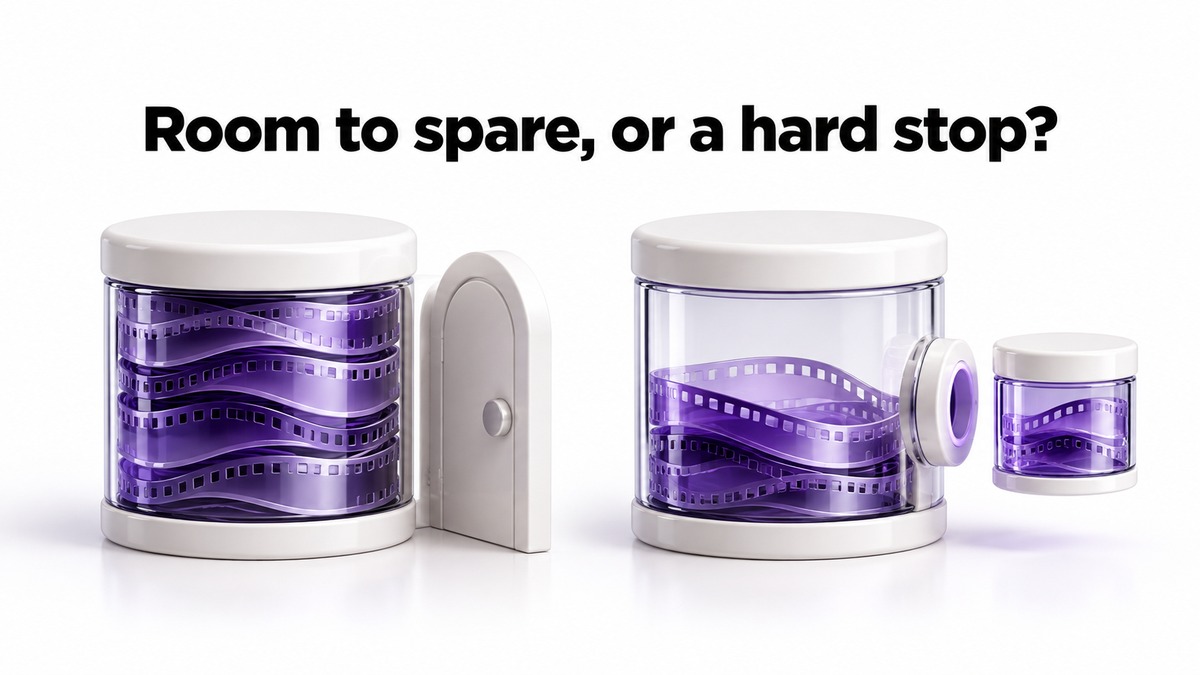
For client video work, the deciding difference between Descript Hobbyist and Creator is not the price gap but what happens when you run short. Hobbyist cannot buy top-ups, so a heavy month stops at 10 media hours and 400 AI credits. Choose Creator if you deliver 4K, upload several files per interview or face revision rounds. Hobbyist suits a few single-file, 1080p jobs a month with room to spare.
Pricing and help-center pages checked October 31, 2026, in US dollars. The client job below is an invented example. This article contains no affiliate links.
The two plans side by side
| Decision point | Hobbyist | Creator |
|---|---|---|
| Price billed annually | $16 a month | $24 a month |
| Price billed monthly | $24 | $35 |
| Media each month | 10 hours (600 minutes) | 30 hours (1,800 minutes) |
| AI credits each month | 400 | 800 |
| Export | 1080p, watermark-free | 4K, watermark-free |
| Top-ups when you run out | Not available | Available for media hours and AI credits |
| People | One | Up to three, each billed separately |
| Cloud storage | 100GB | 1TB |
Sources: Descript pricing, with both billing toggles, and Descript’s help page on top-ups. Descript says annual billing saves “up to 35%” against monthly. Both allowances reset when your subscription renews and, in the help center’s words, unused balances “don’t roll over into the next cycle.” That applies on annual billing too, because the help center says “Every plan comes with a monthly allowance of each.”
If you are new to Descript and want to know how transcript-based editing works and how media hours are counted for different recording setups, start with our guide to Descript for solo video and podcast editing. This article assumes you already know you want Descript and only need to pick the plan.
Why top-ups decide it for client work
Descript’s help center is direct: “Top ups are only available on Creator and Business plans.” On Creator, extra AI credits cost $35 for 350, $80 for 1,000 or $200 for 4,000, and extra media costs $25 for 5 hours, $80 for 20 hours or $150 for 50 hours. Top-ups are used only after the monthly allowance runs out, expire 12 months after purchase and are non-refundable.
For a hobby project, hitting the Hobbyist ceiling is an inconvenience. For a client deadline it is a problem, because there is no way to buy your way past it on that plan. Descript’s help pages do not say exactly what you can and cannot do once a Hobbyist allowance is used up, so plan as if new uploads and AI processing wait until renewal or until you change plan.
That turns the comparison into a question of headroom. Creator costs $8 a month more on annual billing, or $11 more paying monthly. In exchange you get three times the media, twice the credits and a way to buy more mid-month. If your usage is comfortably below the Hobbyist limits every month, that headroom is wasted money. If it is close, Creator is insurance.
The client job worksheet
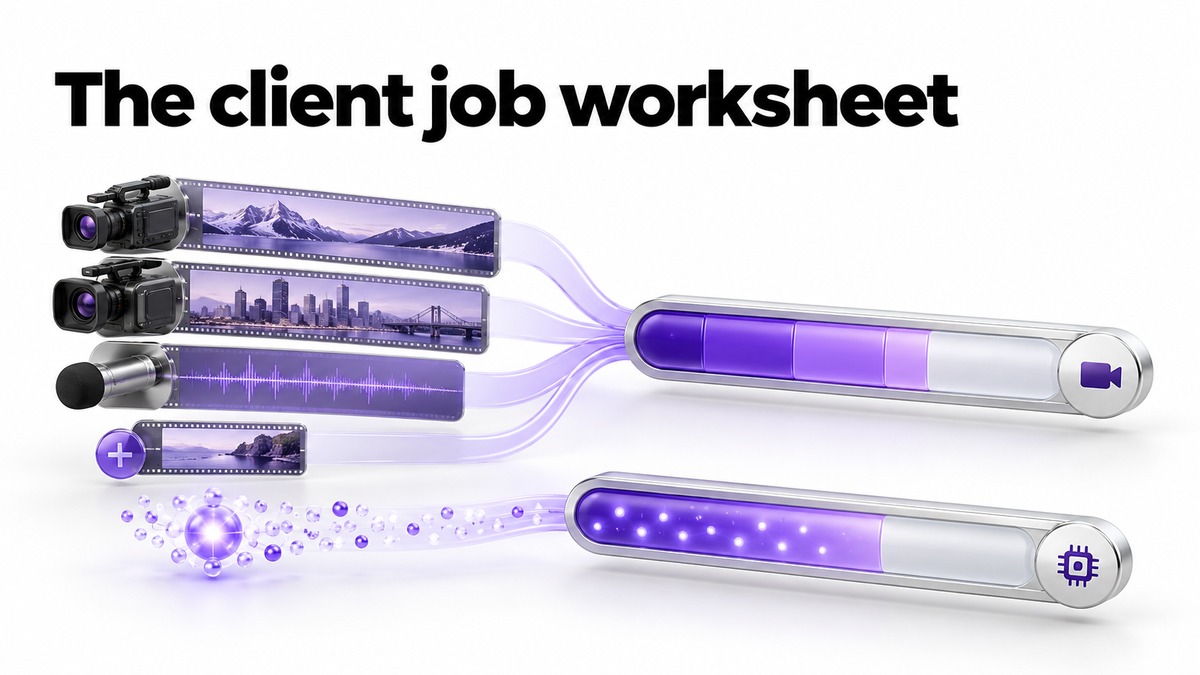
Price your month the way a client job actually uses Descript. Descript’s help center says media minutes are used when you upload audio or video files and when you record, with Rooms counted “only for the total length of the session.” AI credits are used “whenever you apply or generate content using Descript’s AI tools”, and for two of the most common tools it gives a ceiling: Studio Sound and Remove Filler Words “have a max cost of 30 credits per file/tool application.” Underlord has “no fixed price per action”, so it cannot be budgeted in advance.
The worksheet below uses an invented client: four one-hour interviews a month, one revision round each, Studio Sound and filler-word removal on the dialogue track. The credit figures use the published 30-credit maximum, so they are an upper bound, not a prediction.
| Line | One file per interview | Two cameras plus separate audio |
|---|---|---|
| Source uploads: 4 interviews × 60 minutes × files | 240 minutes | 720 minutes |
| Revision uploads: 15 minutes of new footage per interview | 60 minutes | 60 minutes |
| Media total | 300 of 600 on Hobbyist | 780: over Hobbyist’s 600, within Creator’s 1,800 |
| Studio Sound and filler removal, once per interview: 2 × 30 × 4 | Up to 240 credits | Up to 240 credits |
| Both tools reapplied after the revision | Up to 240 more | Up to 240 more |
| AI credit ceiling | Up to 480: above Hobbyist’s 400 | Up to 480: within Creator’s 800 |
Two things stand out. The camera setup, not the number of interviews, decides whether Hobbyist’s media allowance holds, because each uploaded file counts. And even the simple setup can reach Hobbyist’s credit limit if every tool lands at its maximum and revisions mean reprocessing. Real consumption may be lower; Descript’s Usage tab shows what each run actually cost, so check it after your first month and redo the sheet with real numbers.
To fill in your own version, list for one typical month: the number of jobs, the length of every file you upload per job, footage added during revisions, which AI tools you apply to how many files, and any Underlord sessions. Then add a margin for the month a client sends twice the usual material.
When 4K or a second editor settles it
Two requirements remove the need for arithmetic. If a client contract specifies 4K delivery, Hobbyist’s 1080p ceiling rules it out. And if another editor needs to work in your Drive with full access, Hobbyist is a one-person plan, while Creator can grow to three people, each billed separately.
A client reviewer is different from an editor. Descript’s collaboration help says “Project collaborators are unpaid — drive members need a paid seat.” A project commenter “can view and comment on the project in the editor but cannot make edits”, which is often enough for client feedback, though the client still needs to sign in to a Descript account to use it. Avoid ticking “Also invite to drive” for a client, because the help center says that triggers a charge for an additional Editor seat.
Setting up, switching and leaving
- Start with real numbers. If you are unsure, begin on monthly billing for one cycle, track the Usage tab and fill in the worksheet before committing to a year.
- Keep the original files. Store the raw recordings and final exports outside Descript, so a change of plan or tool does not strand a client’s material.
- Review AI output before delivery. Listen to the whole edit after Studio Sound and filler removal; aggressive cleanup can change tone or clip words, and the client is paying for the result, not the tool.
- Downgrade deliberately. If a busy contract ends, compare your last three months with Hobbyist’s limits before moving down, remembering that unused top-ups on Creator expire 12 months after purchase.
Once the edit is approved, the transcript is useful raw material for show notes and social posts; our guide to repurposing one piece of content into social posts with AI works the same way with an interview transcript, provided the client has agreed to that reuse.
Which plan fits
| Your situation | Plan |
|---|---|
| A few single-file interviews a month, 1080p delivery, usage well under the limits | Hobbyist |
| Multi-camera or multi-track recordings, or monthly media near 10 hours | Creator |
| Any client requiring 4K | Creator |
| Deadlines where running out mid-month is not acceptable | Creator, for top-ups |
| Regularly above 30 hours of media, or more than three editors | Compare Business and other editors before paying for Creator top-ups every month |
| Mostly visual editing with little speech | Probably neither; a transcript-first editor is the wrong shape for the work |
Frequently asked questions
Can I buy extra media hours on Hobbyist?
No. Descript’s help center says top-ups are only available on Creator and Business.
Do unused hours or credits carry over?
No. The monthly allowance resets at renewal and unused balances do not roll over. Top-ups bought on Creator last 12 months from purchase.
Does a client need a paid seat to leave comments?
Not if you invite them to the project as a commenter rather than to your Drive. Inviting them to the Drive triggers a seat charge.
How many AI credits does Studio Sound use?
Descript gives a maximum of 30 credits per file and tool application for Studio Sound and Remove Filler Words. Other tools scale with media length and model, and the Usage tab shows actual costs.
Sources and method
We read Descript’s pricing page in a browser on October 31, 2026 with both billing toggles, and its help-center pages on media minutes and AI credits, top-ups and project access and collaborators on the same day. The worksheet is our arithmetic on an invented client using published allowances and the published maximum credit cost. Before you rely on it, check actual credit consumption per file, what a Hobbyist account can still do once its allowance is spent, and the amount you would pay after tax.
Read next