Pick n8n Starter if your automations run when something happens: a form arrives, a webhook fires, a client replies. Its 2,500 monthly executions go a long way once you know which runs are counted and which are not. Pro buys three things, four times the monthly volume, concurrency headroom and a larger Assistant allowance, and none of them make a workflow run faster. Before upgrading, count your scheduled runs rather than your workflows: a schedule counts every time it fires, while sub-workflow calls and polls that find nothing are not counted at all.
Pricing and documentation checked October 28 and 29, 2026. This article contains no affiliate links.
What the two plans actually include
| Decision point | Starter | Pro |
|---|---|---|
| Price shown | 20€ a month billed annually, 24€ billed monthly | 50€ a month billed annually, 60€ billed monthly |
| Workflow executions | 2.5k a month, “with unlimited steps” | 10k a month, “with unlimited steps” |
| Concurrent executions | 5 on both the card and the table | “Up to 50” on the card, “20 / 50” in the table |
| Shared projects | 1 | 3 |
| Assistant credits | 1,600 a month | “Up to 9,600” on the card; the FAQ says 4,000 or 9,600 “depending on your plan size” |
| Also listed | Agents, MCP and AI nodes; AI models without API keys; forum support | Everything in Starter plus 7 days of insights, admin roles, metric-based evaluations, workflow history |
Source: n8n pricing, both billing toggles. Two notes before you use this table. The annual figures are a twelve-month commitment: 240€ and 600€ by arithmetic, not a monthly cancellable rate. And n8n’s own documentation says “Exact features, usage limits, and prices for each plan can change”, so read the live card rather than any comparison article, including this one. Source: Try free then choose a plan
What counts as an execution, and what does not
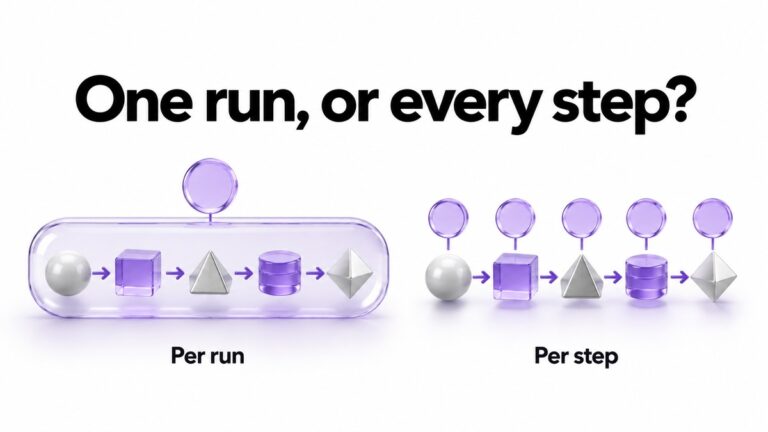
n8n’s pricing page defines the billing unit in one sentence: “An execution is a single run of your entire workflow.” It adds that “It doesn’t matter how many steps are in the workflow or how much data it processes.” The documentation then sets out which runs are counted, and this is the part that decides a solo plan.
- Schedule Trigger nodes. “Count one execution every time the node fires, regardless of outcome.” A schedule counts whether or not there was anything to do.
- Polling nodes, such as the Google Drive Trigger. “Count one execution only when new data is found. Polls that return no results don’t count as an execution.”
- Webhook Trigger nodes. “Count one execution for every inbound request that activates the trigger”, including requests with an empty body. Malformed requests that fail before the workflow starts are not counted.
- Not counted at all: manual executions from the editor, error workflow runs, polls that return no data, and sub-workflow executions, where “only the parent (top-level) execution counts”. Only production executions count towards the quota.
Source: Understand executions. n8n’s sub-workflow documentation says the same thing from the other side: sub-workflow executions do not count towards your plan’s monthly execution or active workflow limits. Source: Sub-workflows
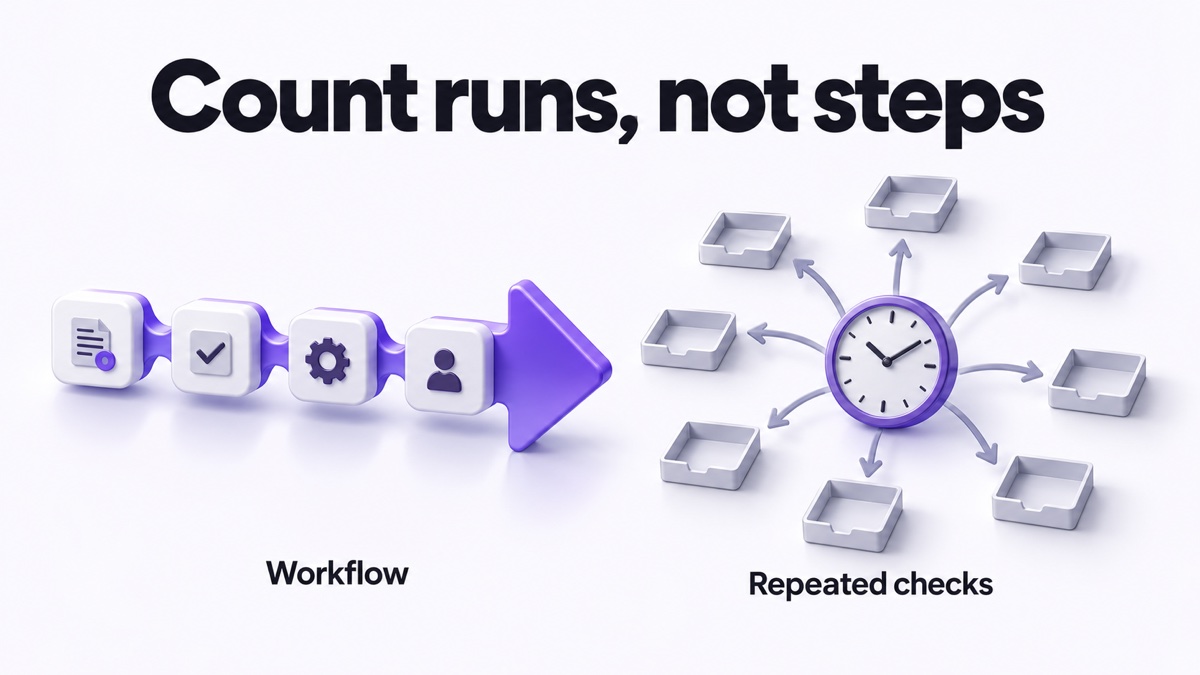
Two practical consequences. First, breaking a long job into readable pieces does not multiply your bill: a parent workflow that calls three sub-workflows with the Execute Sub-workflow node is one counted execution, so build for maintainability rather than for the meter. What does multiply the count is giving each piece its own trigger or webhook, because then each one is a production run in its own right. Second, an app’s polling trigger checking every few minutes and finding nothing is not what empties an allowance. A Schedule Trigger on the same interval is.
The schedule arithmetic that decides most solo accounts
This table assumes one thing and states it openly: a Schedule Trigger left running for a 30-day month, counted once per firing as the documentation describes. It is our arithmetic from the published counting rules, and it does not apply to polling nodes that find nothing.
| Pattern | Counted runs a month | Fits Starter, 2,500? | Fits Pro, 10,000? |
|---|---|---|---|
| Schedule every 5 minutes | About 8,640 | No | Yes, with almost nothing left |
| Schedule every 15 minutes | About 2,880 | No | Yes |
| Schedule hourly | About 720 | Yes | Yes |
| Webhook on 60 enquiries | 60 | Yes | Yes |
| Daily digest | 30 | Yes | Yes |
n8n’s own pricing FAQ puts a five-minute schedule at “about 8,600–8,900 executions monthly”, which brackets the figure above. A single five-minute schedule therefore consumes more than three times the Starter allowance before any real work happens. The fix is usually a longer interval, or a webhook or app trigger that fires on the event itself, rather than a bigger plan. Our Make free versus Core comparison covers the same trap on a different platform, where the billing unit is each module action rather than the whole run.
Concurrency: the reason Pro exists for a solo operator
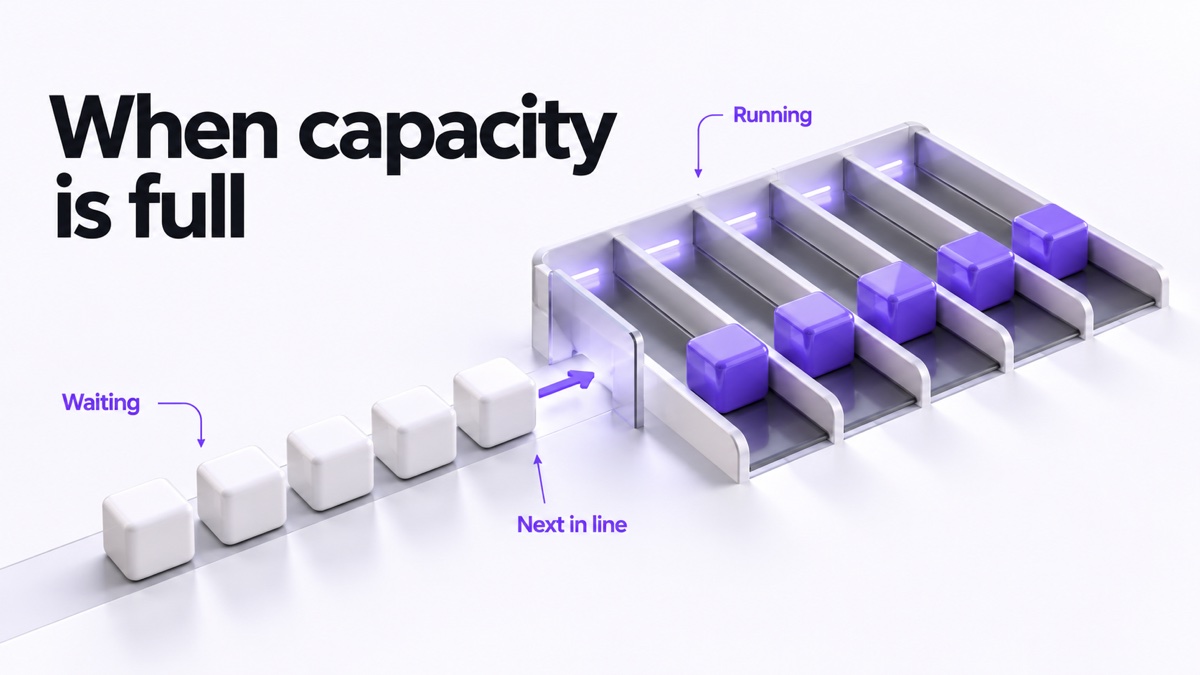
Executions measure volume over a month. Concurrency measures how many can run at the same moment, and it is the limit that shows up as a delay rather than a bill.
n8n’s documentation describes what happens at the limit: “Any executions beyond the limits queue for later processing”, and these “remain in the queue until concurrency capacity frees up, and are then processed in FIFO order”. It notes that concurrency control applies only to production executions started from a webhook or trigger node, not to manual, sub-workflow or error executions, that you cannot retry a queued execution, and that cancelling or deleting one removes it from the queue. Source: Cloud concurrency
For a one-person business, five concurrent runs is usually plenty, because enquiries arrive one at a time. It becomes tight in bursts: a campaign that lands 30 form submissions in a minute, a bulk import, or a webhook that fans out per row. If your workload is spiky rather than large, Pro buys you the burst, and that is a different purchase from buying more monthly volume.
One caution if concurrency is your reason to upgrade. The pricing page shows two different Pro figures: the plan card says “Up to 50 concurrent executions” while the comparison table on the same page says “20 / 50”. n8n’s support material also distinguishes Cloud Pro-1, described with 10,000 executions, from Cloud Pro-2, where you can add executions “up to a maximum of 500,000 monthly executions”. Nothing we read states which Pro size carries which concurrency figure, so treat 50 as the top of a range rather than a guarantee at the 10k size, and confirm the number for the execution tier you are actually buying.
Two different limits, two different failures
These are easy to confuse, and they behave in opposite ways. n8n’s support FAQ separates them explicitly.
| Question | Monthly execution quota | Concurrency limit |
|---|---|---|
| What it counts | Total executions this month | Executions running at the same time |
| What happens at the limit | “Execution is attempted and fails” | “Execution waits in a real queue” |
| Is there a queue? | No | Yes |
| Does it run later on its own? | No | “Yes, when a slot frees up” |
| Resets | Start of each calendar month | Continuously, as executions finish |
On the quota side the FAQ is blunt: “Executions at the limit are not queued. They fail immediately with an error.” Your workflows stay active and your triggers keep firing, each run fails before any nodes execute, and “the executions that already failed stay failed and do not automatically re-run” once you reset or upgrade. Anything you want back has to be retried by hand from the executions list. The reset is calendar-based, not billing-date based. Source: Can you reset my executions?
One thing we could not reconcile, and you should not plan around. The same FAQ says “Failed executions do not count against your execution quota”, while the executions documentation says a Schedule Trigger counts one execution every time it fires “regardless of outcome”. Those statements are consistent if the FAQ means runs that failed because of the limit, but we could not confirm that reading, so do not size a plan on the assumption that ordinary failures are free.
What this means for an AI workflow specifically
- AI nodes are not the upgrade trigger. The Starter card already lists agents, MCP and AI nodes, plus “AI models without API keys”. Needing AI in a workflow is not by itself a reason to buy Pro.
- Assistant credits are separate from executions. Starter lists 1,600 a month. Pro shows “Up to 9,600” on the card, and the FAQ on the same page says 4,000 or 9,600 “depending on your plan size”. If you lean on the in-product assistant while building, that allowance can bind before your execution count does.
- Model costs sit outside the subscription when you bring your own API keys. A plan comparison is not an AI budget; price the model calls per run and multiply by your expected executions.
- Retries are a partial answer. The FAQ lists retries among the executions affected by the monthly limit, so a retry is an attempt in its own right rather than a free continuation. How a successful retry is counted against the month, and how a node-level Retry On Fail differs from re-running a saved execution, is not stated on the pages we read. Ask n8n support before sizing a plan around a failure-prone integration.
Decide in four steps
- List your scheduled runs, not your workflows. Write down each Schedule Trigger and its interval. Those are the line items that count whether or not there is work to do.
- Prefer an event to a schedule. A webhook, a form submission or an app polling trigger replaces hundreds of counted empty runs, because a poll that finds nothing is not counted at all. Our enquiry routing guide covers designing that kind of flow so a misclassified item is visible rather than silent.
- Ask whether your load is spiky. If several triggers fire together, concurrency, not volume, is your constraint, and that points at Pro. Confirm the concurrency figure for the execution tier you are buying.
- Start monthly. 24€ against 20€ is a 4€ premium for the freedom to stop. Commit annually once a month of real usage has confirmed the plan.
When neither plan is the answer
- You have one automation that runs a few times a week. Keep it on a free trial or a simpler tool until the work is repeatable.
- Your real problem is a process nobody has written down. Our SOP guide covers documenting it before automating it.
- You want an agent to act on client data without review. Our guide to agent oversight covers what to keep reversible, whatever the plan.
- You are weighing hosting rather than volume. That is a different decision, and the trade-off is who restores the system when it breaks.
Frequently asked questions
Does a workflow with 40 steps use 40 executions?
No. The pricing page says an execution is a single run of the entire workflow and that the number of steps does not matter. Volume is driven by how often workflows start.
Do sub-workflows multiply my execution count?
No. The documentation states that when a workflow calls another with the Execute Sub-workflow node, “only the parent (top-level) execution counts”, and that sub-workflow executions do not count towards monthly execution or active workflow limits. Splitting a job for readability does not change the bill; giving each piece its own trigger does.
Does a polling trigger that finds nothing use up my quota?
Not for polling nodes: “Polls that return no results don’t count as an execution.” A Schedule Trigger is different and counts every firing.
What happens if I exceed the monthly executions?
The support FAQ says executions at the limit are not queued and fail immediately with an error, workflows stay active, there is no backlog to catch up on, and the limit resets at the start of each calendar month regardless of your billing date.
What happens when I hit the concurrency limit?
Documentation says executions beyond the limit queue for later processing in FIFO order and run when capacity frees up, and that queued executions cannot be retried.
Is Pro faster?
Nothing on the pages we read describes Pro as faster per run. It lists more simultaneous executions, more monthly volume, more projects and more Assistant credits.
Best for your situation
| Situation | Next step |
|---|---|
| Event-driven work, a few hundred runs a month | Starter, after converting any frequent schedule to a trigger |
| Bursts of simultaneous triggers, or heavy assistant use while building | Compare Pro on concurrency and Assistant credits, not on speed, and confirm the concurrency figure for your execution tier |
| A frequent schedule you cannot stretch | Recalculate before buying; the trigger design, not the plan, is the cost |
| A long job split into sub-workflows | Not a billing problem: only the parent run counts |
| One rarely used automation | Stay on a trial or keep the task manual and documented |
Sources and method
Plan prices, execution and Assistant allowances and the two concurrency figures were read from the official n8n pricing page: the annual-billing figures and the comparison table on October 29, 2026, and the monthly-billing toggle showing 24€ and 60€ on October 28, 2026. Counting rules by trigger type, the sub-workflow exclusion and concurrency behaviour come from n8n’s documentation, and the quota behaviour from n8n’s support FAQ updated October 22, 2026, all linked above and read October 29, 2026. The interval table is our arithmetic from the published counting rules on a 30-day month. Before you choose, check the displayed currency and the amount a United States checkout would charge, which Pro execution tier carries 20 and which carries 50 concurrent executions, and how a successful retry is counted. Our weekly automation checkup covers keeping a running automation honest after you buy.
Read next