Zoho Invoice is free within published limits. Its US pricing FAQ lists two users, three projects and 500 invoices per year, plus an inactivity deletion policy. Compare those limits with your workload before adopting it. You may need another plan or product for more capacity or for double-entry accounting; free invoicing is not unlimited storage or a replacement for full books.
Original research dated September 21, 2026. Text revised September 21, 2026; Sources and method identifies the specific claims rechecked and any earlier observations retained. This article contains no affiliate links.
Who this is for
You invoice a handful of clients, you do not want another subscription, and you want to know where a free invoicing tool stops being enough.
What Zoho says about the price
The product page states: “After 13 years of being a paid tool, Zoho Invoice’s price tag was removed as a gesture to give back to the small business community”, and that it “will continue to uphold its quality standards, while remaining a free, secure, and ad-free platform, forever.” Source: Zoho Invoice
The official US pricing FAQ supplies the limits: up to two users, three projects and 500 invoices per year. It also says that after more than 180 days of inactivity, associated data is deleted within the following 20 days, with advance notice. Log back in to retain account data and keep independent backups. Check market-specific terms; a free price is not a guarantee of indefinite unattended storage.
What you get, by feature area
Zoho’s help documentation for Zoho Invoice covers these areas, which is a fair description of the product’s scope. Source: Zoho Invoice help
- Sales documents: quotes, invoices, recurring invoices, credit notes, sales receipts.
- Getting paid: online payments through multiple processors, payment links, a customer portal.
- Costs and time: expenses, timesheets for time tracking and projects.
- Admin: items, customers, reports on sales and receivables, integrations with other Zoho apps and third parties.
- AI: an AI features section documenting Zia insights and email drafting, covered in our companion article on Zia in Zoho Invoice.
The limits that actually bite
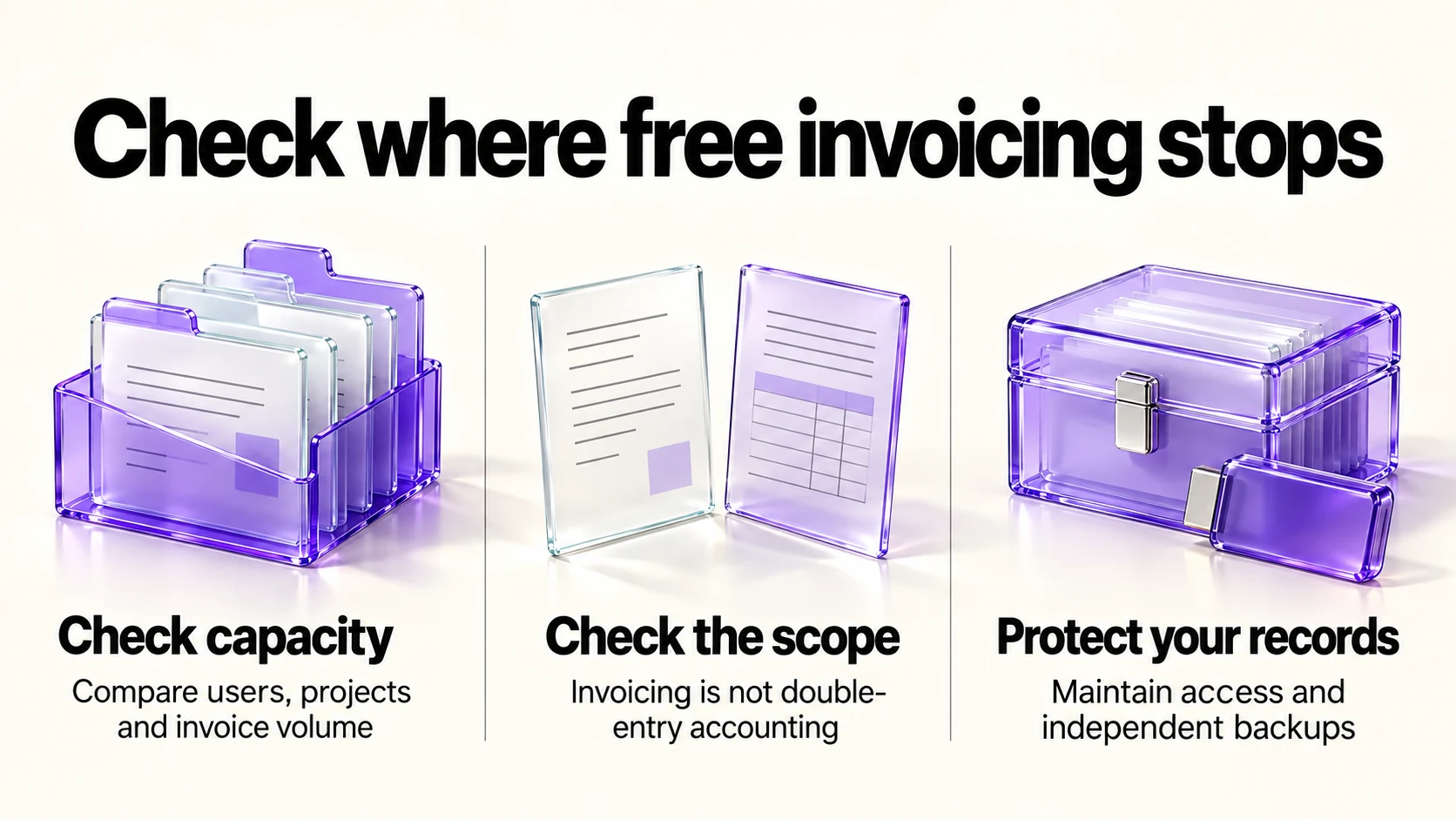
Start with the published user, project and annual-invoice counters, then consider these scope and operating constraints:
- It is not double-entry accounting. There is no general ledger, no bank reconciliation in the accounting sense, and it should not be treated as a full set of accounting books. Zoho Books is a separate product; check its available plans in your market rather than assuming every plan is paid.
- Payment processing costs money even when the software does not. Fees come from the processor you connect, not from Zoho.
- Check required integrations. Verify that your accountant’s software, payment processor and other tools can use the records you export before committing.
- Inactivity affects retention. Maintain access and backups; free software is not an archival service.
When to move on, and to what
| Signal | What it means | Where to look |
|---|---|---|
| You need more than two users, three projects or 500 invoices a year | You exceed the published US allowance | Ask Zoho about suitable options or compare another invoicing tool |
| Your accountant asks for reports the tool cannot produce | You need books, not invoices | Accounting software with double-entry reports |
| You are reconciling bank transactions by hand every month | Time cost is now real | A tool with bank feeds |
| You need payroll, inventory or multi-currency accounting | Outside an invoicing tool’s scope | A full accounting product |
| You only want prettier invoices | Not a reason to pay | Stay |
Our Wave vs Zoho Invoice comparison covers the other main free option, and our FreshBooks vs QuickBooks Online comparison covers the paid step up.
Set-up checks for a free tool
- Export on day one. Confirm you can export invoices and customers, and do it once so you know the format.
- Turn on two-factor authentication. This account can send invoices in your name.
- Check tax settings for your country before your first invoice; corrections after issue are painful.
- Decide your numbering and keep it sequential. Some tax authorities require it.
- Connect only the payment processor you actually use.
What we could not verify
- Any separate customer-count cap and how the annual invoice counter resets or is enforced in an account. The US FAQ does state two users, three projects and 500 invoices per year.
- Whether the AI features have plan or regional conditions: the help page does not say.
- Country availability for specific payment processors, which varies.
Use the official market-specific limits together with the account terms shown to you. Resolve any difference with Zoho before relying on capacity you need.
Frequently asked questions
Is Zoho Invoice really free?
Its product page says so and commits to keeping it free. Payment processing fees still apply from your processor.
How many invoices can I send?
The US pricing FAQ lists up to 500 invoices per year. Confirm the applicable market and annual-counter details for your account before planning around that allowance.
Can it replace my accountant’s software?
No. It is an invoicing tool, not double-entry accounting.
What is the catch?
The published usage caps, processor fees and inactivity deletion policy are practical constraints. Full accounting needs may also require a different product; compare options on the requirements you actually have.
Sources and method
Revised September 21, 2026 using the linked Zoho product page, help documentation and US pricing FAQ. The FAQ supports two users, three projects, 500 invoices per year and the 180-day inactivity/next-20-day deletion policy with notice. Customer-count limits, account-specific AI terms and processor availability remain unverified where not specified. The migration signals are suggestions, not evidence that free accounts have unlimited capacity or permanent storage.
Read next