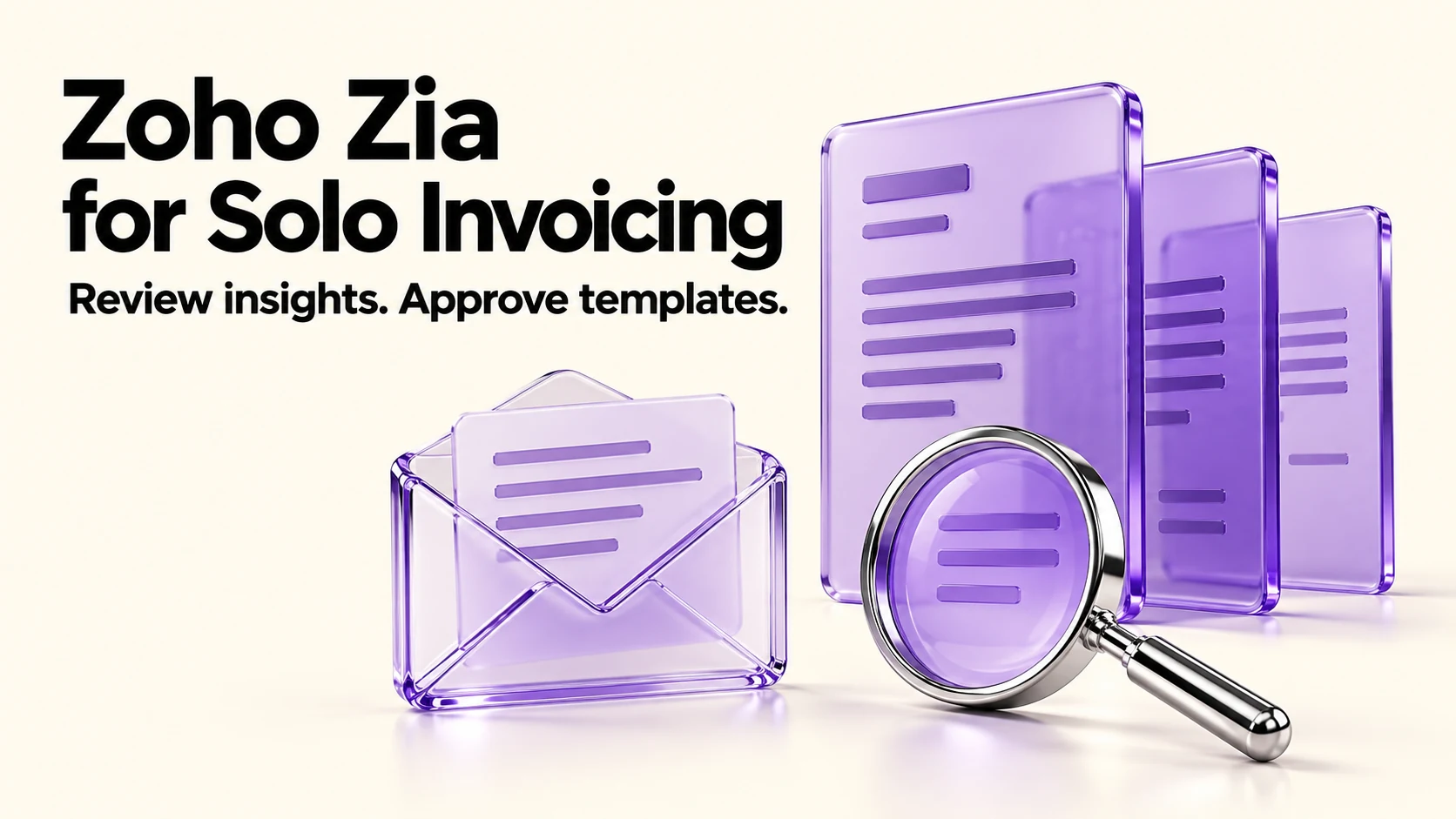
Zia in Zoho Invoice is narrower than the marketing around AI assistants suggests, and that is its strength: it summarizes who owes you money and which customers pay late, and it drafts email template text. Both are switched on in Settings, then AI Preferences, where you also choose an AI provider and model. Zoho Invoice itself is free within published limits; that does not establish the selected AI provider’s costs or allowance. Check those before enabling it.
Original research dated September 21, 2026. Text revised September 21, 2026; Sources and method identifies the specific claims rechecked and any earlier observations retained. This article contains no affiliate links.
Who this is for
You invoice clients with Zoho Invoice, you are the only person chasing payments, and you want to know whether its AI features are worth switching on.
 Before you buyZoho Invoice Free Plan Limits for Solo UseWhat the free Zoho Invoice plan covers and when to move to accounting software.See the plans →
What Zia does in Zoho Invoice
Zoho’s AI features overview for Zoho Invoice documents two features. Source: AI Features Overview, Zoho Invoice help
| Feature | What it does | Where it lives |
|---|---|---|
| Zia Invoice Insights | Shows consolidated overdue and outstanding balances, identifies customers with payment delays, and lists invoices that exceed your average late-payment days | Enabled in Settings, then AI Preferences |
| Generate with Zia | Drafts email template content from a prompt, for customer notifications | Settings, then Email Notifications, then the notification you are editing |
Zoho’s page also says “Zia learns from your business data over time, which means the more you use it, the more accurate and personalized it becomes.” Treat that as a claim about the feature, not a measured result.
Manual baseline: what you do without it
You open the receivables report, sort by age, and work out from memory which clients are habitually slow. Then you write the reminder from scratch or reuse last month’s wording. Zia offers a summary for the first step and a draft for the second; verify both against your invoices and approved terms.
Turning it on
- Open Settings, then AI Preferences.
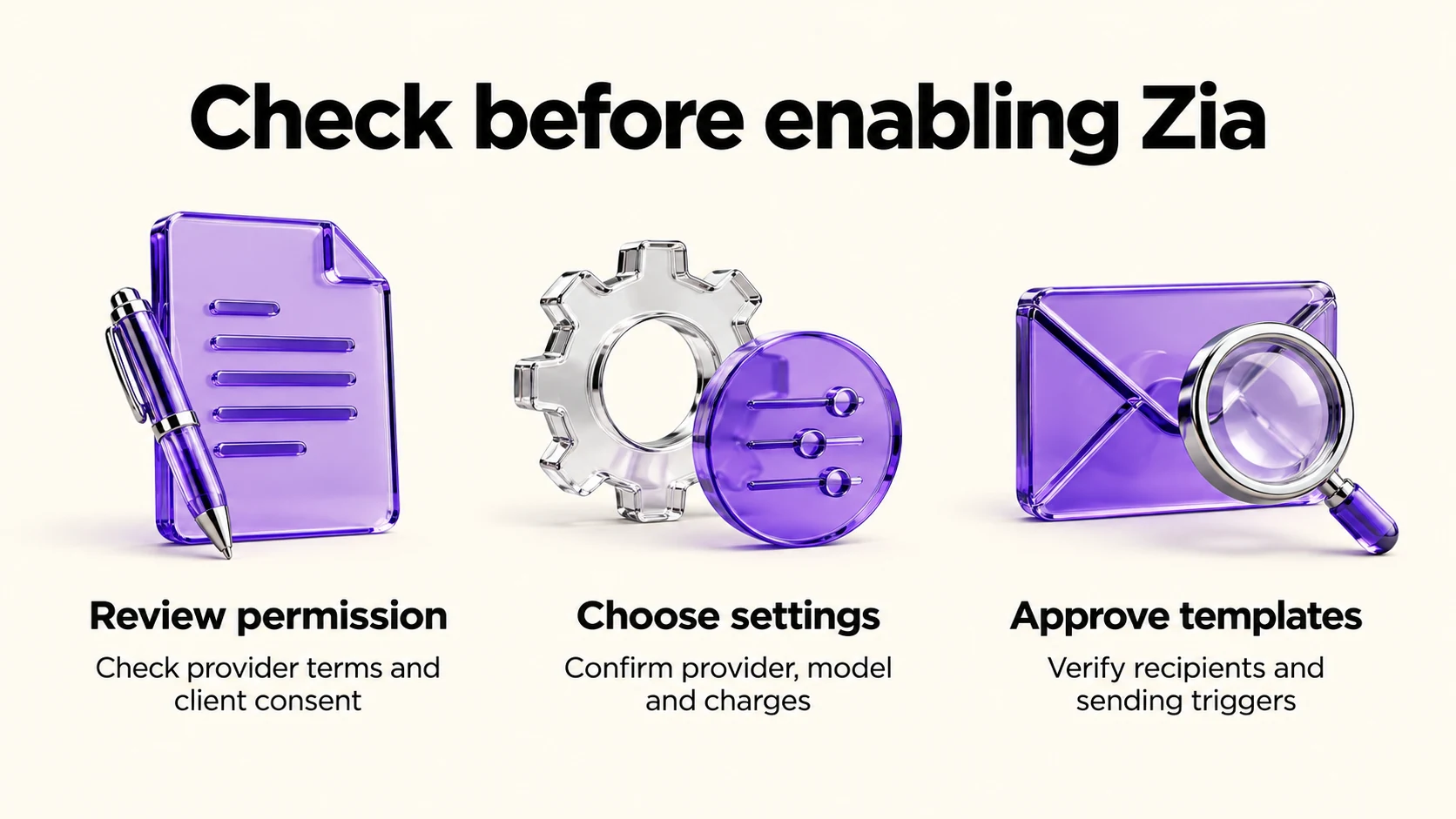
- Check the provider’s terms and client permission before enabling a feature.
- Once those checks are complete, enable the feature, select the provider/model and save; confirm the allowance and any charges shown.
- For email drafting, open Settings, then Email Notifications, choose the notification, show the mail content, and use the Generate With Zia option.
The provider and model choice is the part worth noticing: it means your invoice-related text and data are processed by whichever model provider you select. Before enabling it for real client data, read Zoho’s terms for the provider you pick, and check your own client agreements.
What the insights are good for
- Spotting the pattern, not the exception. A repeated delay is a reason to inspect the underlying invoices and discuss the cause, not proof that pricing or terms caused it.
- Prioritizing a chase list when several invoices are open at once.
- Preparing for a renewal conversation. For example, discuss a pattern of late payment only after you verify it against dates in the actual invoice records; do not repeat a generated statistic as fact.
Our guide to late-payment reminders covers the ladder to use once you have that list, and our Stripe Payment Links vs invoicing guide covers making payment easier in the first place.
What to check before you rely on a draft
- Invoice numbers, amounts and due dates in any generated email.
- Your payment terms, stated as agreed rather than as the model phrases them.
- Tone for the specific client; a template that suits a corporate client can read as cold to a long-standing one.
- That no late fee or consequence appears unless it is agreed and applicable. Approve the template before saving it into automated notifications, then verify recipient fields and sending triggers.
The cost side
Zoho Invoice’s product page states that the tool is free: “After 13 years of being a paid tool, Zoho Invoice’s price tag was removed as a gesture to give back to the small business community”, and says it will remain “a free, secure, and ad-free platform, forever”. Source: Zoho Invoice. The US pricing FAQ lists two users, three projects and 500 invoices per year. Free invoicing is separate from any model-provider charges or allowances, which this documentation does not verify. Our companion article on Zoho Invoice’s free plan covers its limits, and our Wave vs Zoho Invoice comparison covers the alternative free option.
Limits to keep in mind
- Two documented features. This is not a general assistant that reconciles your books or files anything.
- Plan and region conditions are not stated on the help page we checked, so confirm availability in your own account before planning around it.
- Insights describe your data, which means they inherit any mess in it: duplicate customers, uncleared credit notes and test invoices will distort the picture.
- Nothing here is a collections process. Rules about fees, interest and escalation differ by country.
Frequently asked questions
Does Zoho Invoice have Zia?
Yes. Zoho’s own help documentation for Zoho Invoice documents Zia Invoice Insights and Generate with Zia.
Is it included in the free product?
The help page places the features in Zoho Invoice settings, but does not establish every provider’s price, allowance or account eligibility. Free invoicing does not guarantee free AI processing; check the selected provider before enabling it.
Which AI provider does it use?
The help page describes selecting an AI provider and model in AI Preferences, so that is your choice at setup.
Can Zia send reminders automatically?
Generate with Zia drafts email-template text. Once you approve and save that template, notification settings may send it automatically; this is not a promise that every resulting email awaits manual review. Check triggers, recipients and invoice fields before enabling notifications.
Sources and method
Revised September 21, 2026 using Zoho’s linked AI feature help and product page, plus its US pricing FAQ for numerical limits. The two documented AI features are distinguished from notification sending. Provider charges, allowances and account-specific AI availability remain unverified, so this article no longer promises a free AI trial. The review steps and use cases are editorial suggestions; approve templates and their sending settings before use.
Read next