FreshBooks Lite has a regular US$23 monthly rate and a five-billable-client cap. Plus at US$43 raises the cap to 50 and adds proposals, accountant access and double-entry reports. Consider Lite if its client limit and feature set cover your work; choose Plus for the additional capacity or accounting features you need. Compare regular rates rather than relying on introductory discounts.
Original research dated September 21, 2026. Text revised September 21, 2026; Sources and method identifies the specific claims rechecked and any earlier observations retained. This article contains no affiliate links.
Who this is for
You are a freelancer or consultant using FreshBooks to invoice, and your client list is growing past what the cheapest plan allows.
The comparison in one table
| What changes | Lite | Plus |
|---|---|---|
| Price | $23 a month | $43 a month |
| Billable clients | 5 | 50 |
| Automated recurring invoices | Included | Included |
| Scheduled late fees | Included | Included |
| Proposals | Not included | Unlimited |
| Accountant access | Not included | Included |
| Double-entry accounting reports | Not included | Included |
Source: FreshBooks pricing. Premium is listed at $70 a month with unlimited billable clients; double-entry reports already start at Plus, and a Select tier is custom-priced.
What “billable clients” actually counts
The limit is billable clients, not invoice or project count. FreshBooks’ pricing FAQ says both active and archived clients count; archiving does not release capacity. Deleting a client can release a slot, but do not delete records merely to stay under a plan cap. Check export and record-retention requirements with your accountant before removing data.
The three reasons to move to Plus
- You bill more than five clients. The direct reason, and the one that is not negotiable.
- You want proposals in the same tool. Sending a proposal that converts into an invoice keeps one record per job. If you already write proposals elsewhere, this is not a reason.
- You need accounting features. Both accountant access and double-entry accounting reports start at Plus. Sharing your own login instead is a bad habit and usually breaks your accountant’s process.
Reasons that are not reasons
- Late fees. Scheduled late fees are listed on Lite as well.
- Recurring invoices. Also listed on Lite.
- Feeling that a paid-up plan looks more professional. Clients see the invoice, not your plan.
The promotional price trap
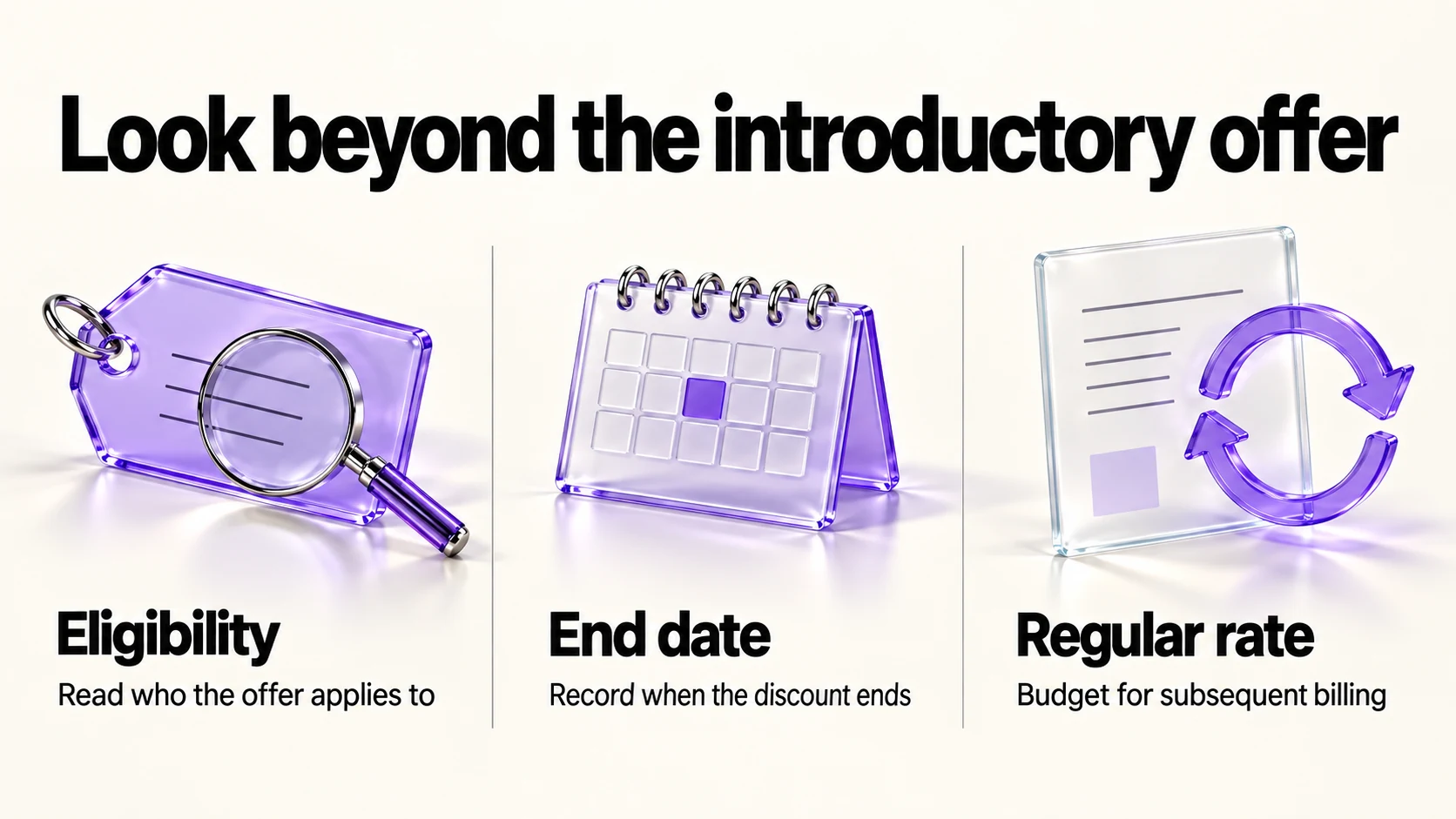
Budget using the regular rates above. If you are offered an introductory discount, check its eligibility, duration and subsequent billing rate before accepting it, and record the end date for your own subscription. No offer amount or October availability is assumed in this comparison.
The cost math
The difference between Lite and Plus is $20 a month at the regular rates, or $240 a year. Against that:
- Count billable clients that FreshBooks includes in the plan limit, both active and archived, rather than only this quarter’s customers.
- If you need capacity for six or more, Lite’s allowance is insufficient; compare Plus or an alternative product.
- If you fit Lite’s cap, decide whether proposals, accountant access or double-entry reports justify the $240 annual difference for your work; no saving is assumed.
- If you are at the cap and your clients are small and short-term, compare a cheaper invoicing tool instead of a higher FreshBooks tier. Our Wave vs Zoho Invoice comparison covers the free options, and our FreshBooks vs QuickBooks Online comparison covers the accounting-first alternative.
Before you upgrade or switch
- Export your invoices and client list. Any accounting move needs a backup first.
- Check what happens to your data if you downgrade later; the pricing page does not spell this out.
- Note any payment processing fees separately from the subscription; they are charged per transaction.
- Tell your accountant before changing plans, especially mid-financial-year.
Frequently asked questions
What counts as a billable client on Lite?
The official FAQ counts active and archived billable clients. Lite allows five and Plus 50. Archiving does not free a slot; check record-retention needs before considering deletion.
Does Lite include recurring invoices?
Yes. The comparison marks automated recurring invoices and scheduled late fees on every plan.
When do I need Premium?
Premium’s regular rate is US$70 per month and it includes unlimited billable clients. Double-entry reports are already in Plus; evaluate Premium only for capacity or other features you actually need.
Are the discounts available on renewal?
This article quotes regular rates and does not assume renewal discounts. Read the terms of any offer presented to your account before subscribing.
Sources and method
Revised September 21, 2026 using FreshBooks’ linked US pricing table and billable-client FAQ. The comparison now quotes regular monthly USD rates only, places double-entry reports in Plus, and counts both active and archived clients. Introductory amounts were removed rather than projected into October. The cost comparison and upgrade criteria are editorial suggestions; preserve required records and consult your accountant before a migration or deletion.
Read next