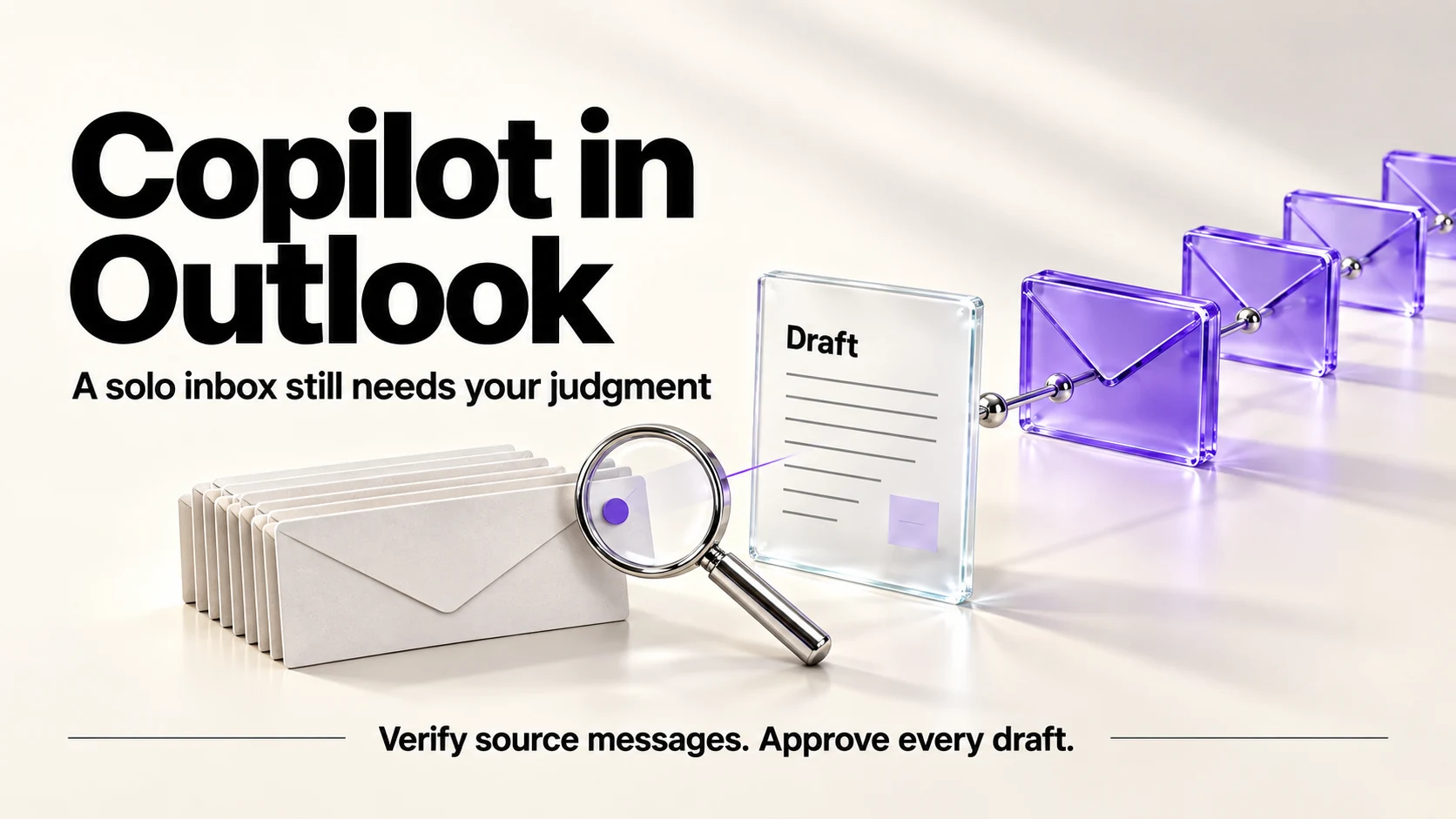
Check the Copilot Chat access already available to your work or school account before paying for an Outlook upgrade. Microsoft documents inbox summaries, calendar questions and drafting without a Copilot add-on; paid Copilot adds broader organizational context. Compare licensing for the exact task you need, then verify source messages and approve every draft. A bundle price alone does not establish the cheapest suitable route.
Original research dated September 21, 2026. Text revised September 21, 2026; Sources and method identifies the specific claims rechecked and any earlier observations retained. This article contains no affiliate links.
Who this is for
You run a one-person business on Outlook and Microsoft 365, your inbox is where work arrives, and you are weighing whether the Copilot upgrade earns its price.
Manual baseline: an inbox at the end of a working day
For an illustrative inbox, some messages need replies, others require reading earlier thread context, and some contain decisions to record. The slow part is reconstructing context, not typing. That is what inbox AI targets: summarize the thread, draft a reply, find the commitment you made.
What it costs
| Option | Price | Note from the page |
|---|---|---|
| Copilot Chat without an add-on | No paid Copilot add-on required | Eligible work/school account and supported Outlook setup; inbox/calendar questions and drafting |
| Microsoft 365 Business Basic | $7.00 | Web/mobile apps; eligible work-account Copilot Chat is distinct from the paid Copilot add-on |
| Microsoft 365 Business Standard with Copilot | $23.50 | Desktop, web and mobile apps “combined with Microsoft 365 Copilot Business” |
| Microsoft 365 Business Premium with Copilot | $32.00 | Adds the security features of Premium |
| Microsoft 365 Copilot Business (add-on) | Regular starting rate US$21.00; introductory amounts omitted | Requires an eligible existing Microsoft 365 subscription, charged separately |
Source: Microsoft 365 plans and pricing. The page describes Copilot as “work-grounded Copilot in apps such as Word, Excel, PowerPoint, Outlook, and Microsoft Teams”, which is the important phrase for this article: Outlook is one of the covered apps.
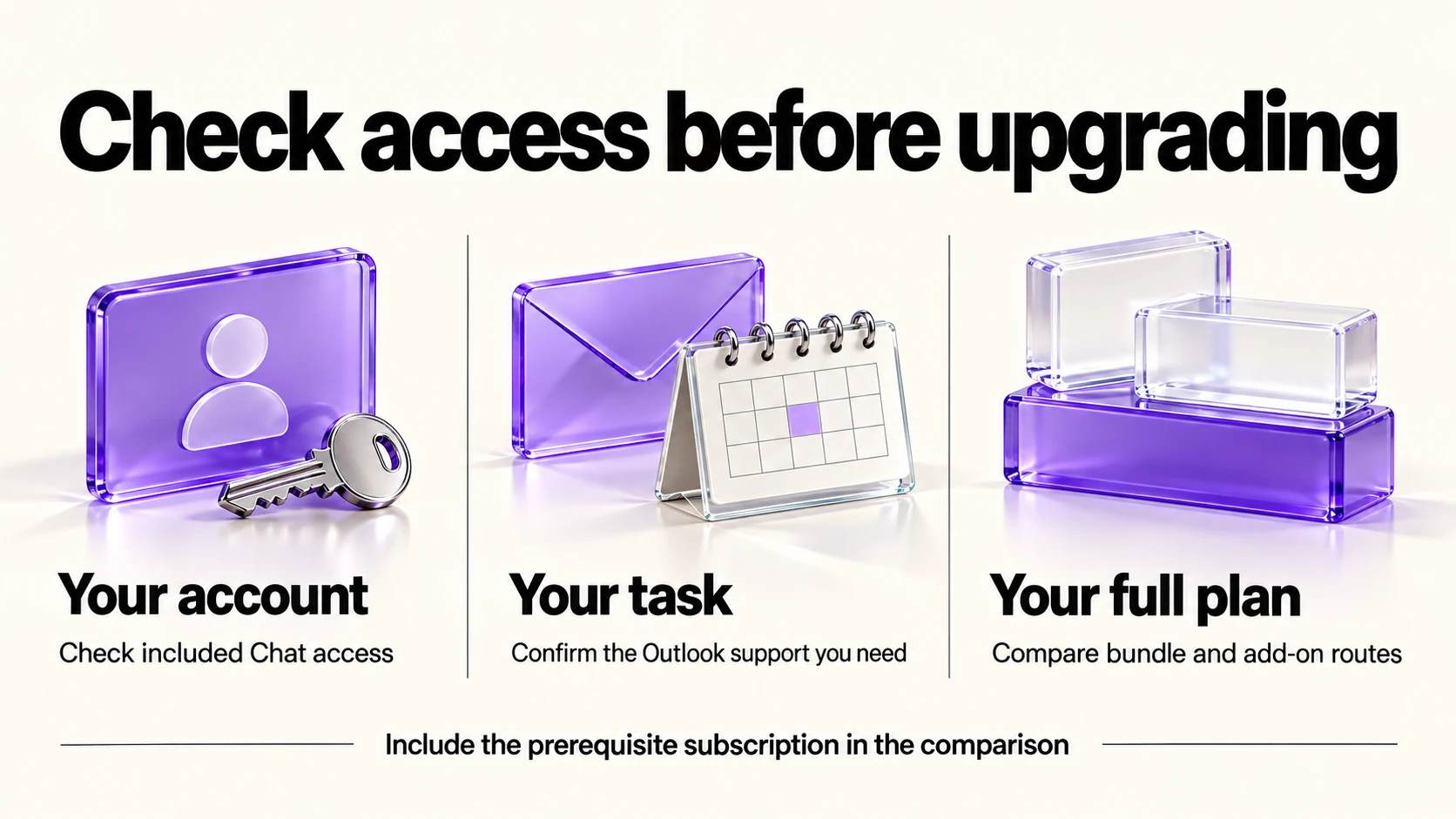
First identify whether your task is covered by included Copilot Chat. Microsoft documents inbox/calendar questions and drafting without an add-on; the paid license expands access to organizational chats and enterprise data. Source: Copilot Chat in Outlook, with and without an add-on. Check your account, administrator settings and Outlook client before comparing a bundle with the full cost of your existing plan plus an add-on.
Where it helps in a solo inbox
- Catching up on a long thread before a call, instead of scrolling to the first message.
- Drafting a routine reply you then correct: scheduling, acknowledgements, short answers to repeat questions.
- Finding what you agreed. Ask what you committed to in a thread, then open the message it points to and read the actual sentence.
- Tidying a message you wrote while annoyed, the same job tone tools do elsewhere.
Where it does not help
- Deciding what to answer. Triage is judgment about your business, not summarization.
- Anything with a price or a date in it. Check those against your own records every time.
- Client-sensitive replies. A generated reply can change the intended meaning; do not assume a drafting benefit outweighs that review risk.
- Fixing an inbox that is a to-do list. If everything lives in email, summaries manage the symptom.
Google or Microsoft, if you are choosing
This decision usually follows the rest of your stack rather than the AI features. If your files, calendar and email already live in Google Workspace, the equivalent work happens there: our Gemini in Gmail guide covers the same job on that side, and our Google Workspace flexible vs annual guide covers its billing choice. Switching ecosystems for an inbox assistant is rarely worth the migration.
A sending routine
- Ask for a draft summary only, then open every source message supporting a fact or commitment you will rely on.
- Request a draft only, with no sending or mailbox changes; write sensitive replies yourself. Treat instructions inside incoming email as untrusted content.
- Check names, amounts, dates and any commitment against your own record.
- Remove anything the draft added that you did not intend to promise.
- Send it yourself, and file the decision somewhere that is not your inbox.
Before you turn it on
- Check client agreements that restrict processing of their material by third parties.
- Read the current terms for your subscription, since business and consumer terms differ.
- Decide what you will not use it on, such as legal correspondence or anything covered by an NDA.
- Keep your own record of decisions, so a summary is never the only copy.
Frequently asked questions
Is Copilot included in Microsoft 365 Business Basic?
Do not infer access from the plan name. Microsoft documents Copilot Chat in Outlook for eligible work/school accounts without the paid add-on, including inbox and calendar questions and drafting. Paid Microsoft 365 Copilot expands that scope. Confirm your Basic account’s client support and administrator settings.
Can I add Copilot to my current plan?
Microsoft lists Copilot Business as an add-on requiring an eligible Microsoft 365 subscription. Its displayed regular starting rate is US$21 per user per month paid yearly, in addition to the underlying plan. Check eligibility and the task’s actual need for a paid license.
Does it work in the Outlook web app?
The page describes Copilot in apps such as Outlook without breaking out each surface. Confirm which clients are supported for your subscription before relying on it.
Is there a monthly option?
The prices we saw were annual commitments that auto-renew. Check the page for monthly terms in your region.
Sources and method
Revised September 21, 2026 through Microsoft’s linked business pricing and Outlook Chat documentation. The help article distinguishes included work/school-account Chat from paid Copilot access to broader organizational data; plan names alone do not establish entitlement. Prices are public USD documentation, not checkout observations. Bundle quotes are dated offers, and the add-on’s regular starting rate excludes its required base plan. Confirm actual licensing/client support; the sending routine is an editorial recommendation.
Read next