Later Caption Writer uses a shared AI-credit pool: Starter includes five monthly credits, Growth fifty and Scale one hundred. Caption generation and idea generation draw from that pool. If the included allowance is too small, compare an eligible credit add-on with a plan upgrade before paying. Supply approved source material and check every claim.
Original research dated September 21, 2026; text revised September 21, 2026. Claim-specific rechecks are identified in Sources and method. This article contains no affiliate links.
Who this is for
You schedule your own social posts in Later, and writing the caption is the step that stalls a batch.
 Before you buyLater Starter vs Growth for One PersonLater Starter or Growth: social sets as brands, the 30-post limit and when client approvals need Growth.See the plans →
What Later includes
| Plan | Price | Social sets and profiles | Posts | AI credits a month |
|---|---|---|---|---|
| Starter | $18.75 a month | 1 set, 8 profiles | 30 per profile a month | 5 |
| Growth | $37.50 a month | 2 sets, 16 profiles | 180 per profile a month | 50 |
| Scale | $82.50 a month | 6 sets, 48 profiles | Unlimited | 100 |
Source: Later pricing. The page describes Caption Writer as available on all three plans, generating captions with AI, and states that “1 credit is used each time you generate captions”. An Ideas feature is also listed across plans, using AI to generate content pillars and content ideas.
What 5 credits a month means
Starter’s included five credits permit five caption generations only if none are used elsewhere. One generated caption uses one credit; one set of three ideas also uses one. Eligible paid accounts can add recurring packs of 100 credits for US$5/month or US$40/year instead of upgrading solely for AI volume. Add-ons are unavailable through iOS billing; check current-plan eligibility. Later’s credit add-on guidance.
Getting more from one generation
- Write the angle first, in one sentence: what this post is for and who it is for. Give the generator a specific brief rather than assuming it knows your intent.
- Batch the inputs. Give it the content and the audience in the same request rather than generating, reading, and generating again.
- Edit rather than regenerate. Regenerating spends another credit without guaranteeing improvement; manual editing still takes your time.
- Keep the good ones. Keep approved examples to reuse as references; do not label them successful without your own results.
What to check before scheduling
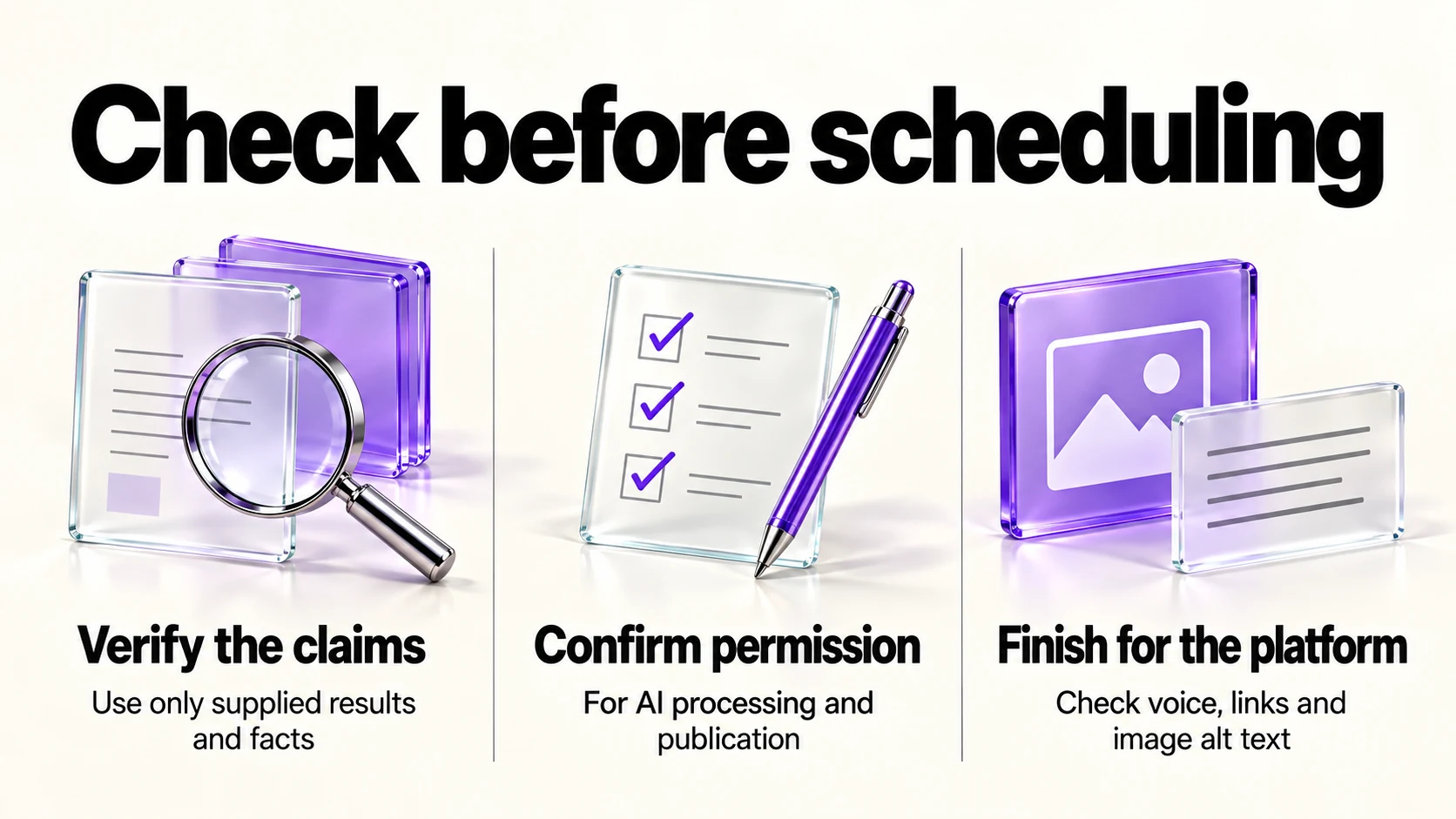
- Claims. Any result, statistic or promise must come from you, not from the generator.
- Client and customer names, which need authorization before AI processing as well as publication.
- Platform fit. Caption length, hashtag conventions and whether links belong in the caption or a comment.
- Your voice. Rewrite the first line by hand; it is the line people read.
- Accessibility. Add alt text yourself; a caption is not a description of the image.
Where the captions should come from
A generator works best on material that already exists. Our guide to repurposing one article into social posts covers pulling distinct ideas out of something you published, which gives the generator a real angle rather than a topic. If you also post on channels Later does not cover well for you, our Later vs Buffer comparison covers the platform choice, including how each prices channels.
Is the AI a reason to choose Later?
Choose a scheduler by the platforms and planning workflow you need. For an AI-only bottleneck, compare Later’s shared allowance and add-ons with any assistant you already use, including its limits, terms and the work of transferring drafts.
A realistic monthly routine on Starter
- As an illustrative exercise with no Ideas usage, plan twelve posts from four approved sources: two published pieces, one client question, one behind-the-scenes update.
- Write eight captions yourself, quickly and plainly.
- Use four credits on the posts where you are stuck, one per post.
- Keep one credit in reserve for something timely.
- File the captions that performed well, so next month starts from examples rather than a blank field.
Frequently asked questions
Does Later have an AI caption tool?
Yes. Its pricing page lists Caption Writer on all plans, with AI credits spent per generation.
How many AI credits do I get?
The included monthly pools are 5 on Starter, 50 on Growth and 100 on Scale, shared across AI features. Budget for both captions and ideas.
What is the Ideas feature?
The page describes it as using AI to generate content pillars and content ideas, listed across plans.
Can I buy more credits?
Yes. Eligible paid plans support recurring AI-credit add-ons; see the linked add-on documentation above. Compare the pack’s billing commitment with a plan upgrade, and do not assume credits are a one-time purchase or exclusive to captions.
Sources and method
Original research: September 21, 2026. Text revision: September 21, 2026. For this revision, Later’s credit add-on documentation was rechecked. Plan prices and profile/post limits are retained from the original September 21 research. Sources used across the original research and this revision: Later’s pricing page and credit add-on documentation linked above. Prices in the plan table are annual-billing monthly equivalents; credits are shared across AI features. The workflow is an illustrative suggestion. Check current plan and billing eligibility before buying an add-on.
Read next